

Most common rejection reasons:
- Permission problems in
Info.plist - Subscription issues
- iPad Screenshots
Info.plist permission issues
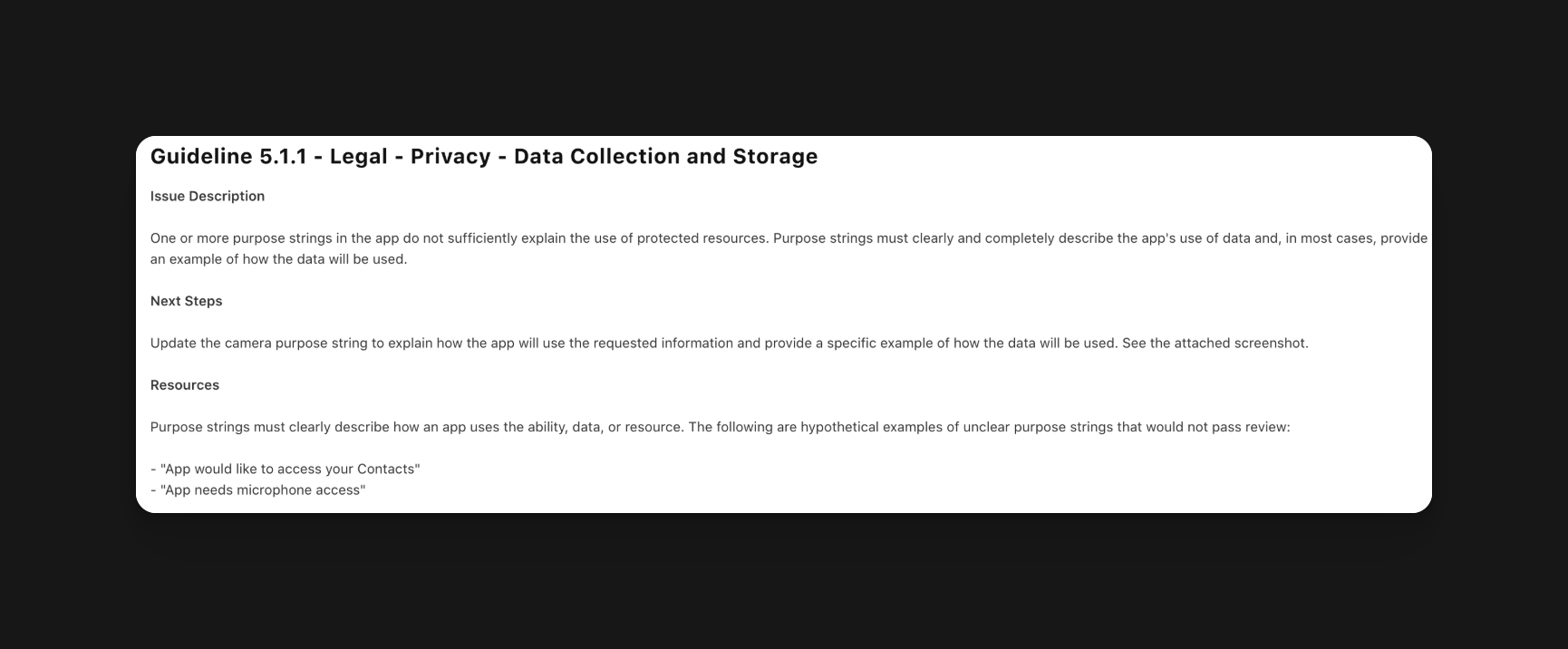
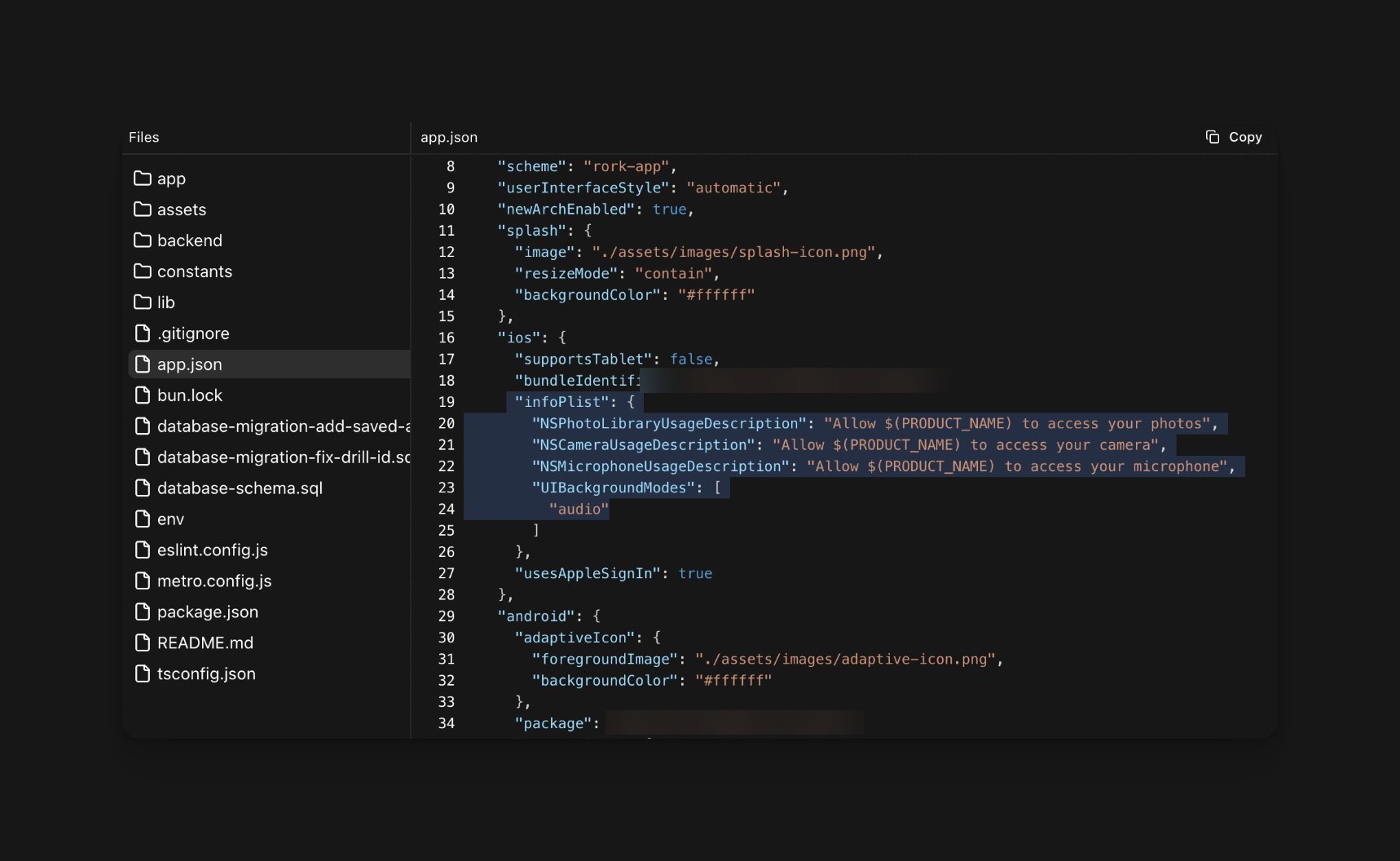
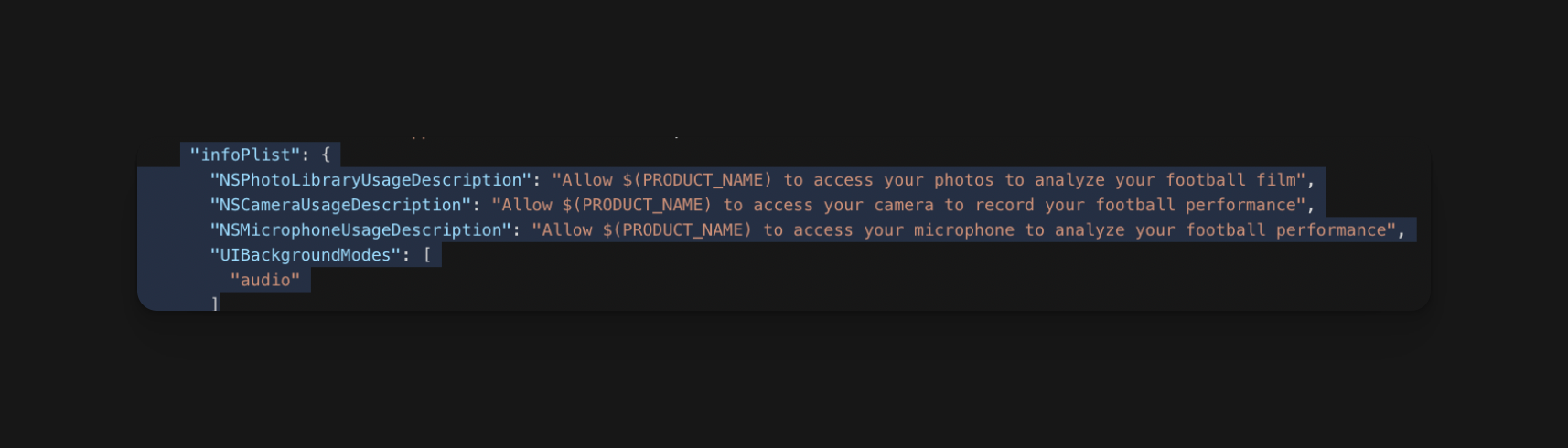
The above code shows a thorough description of why each permission is needed.
How do I fix this issue?
Typically, Rork already explains the purpose of each permission. However, if this issue occurs, openInfo.plist in the iOS app folder and correct the permission descriptions, or ask the agent in chat to rewrite them.For more guidance, you can refer to the Rork agent.
Subscription issues
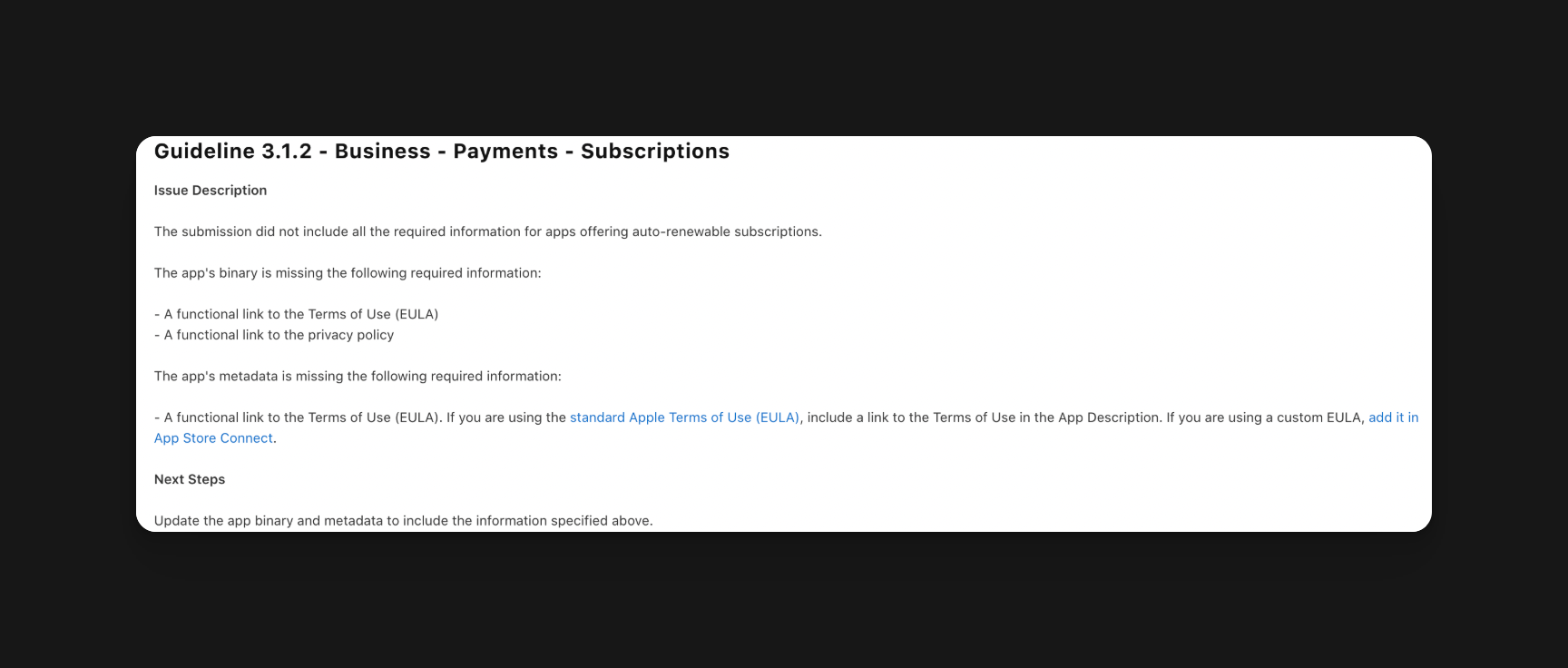
If you are using a hard paywall, you must mention that all features are blocked by a paywall in your App Store description, otherwise apple will also reject you.
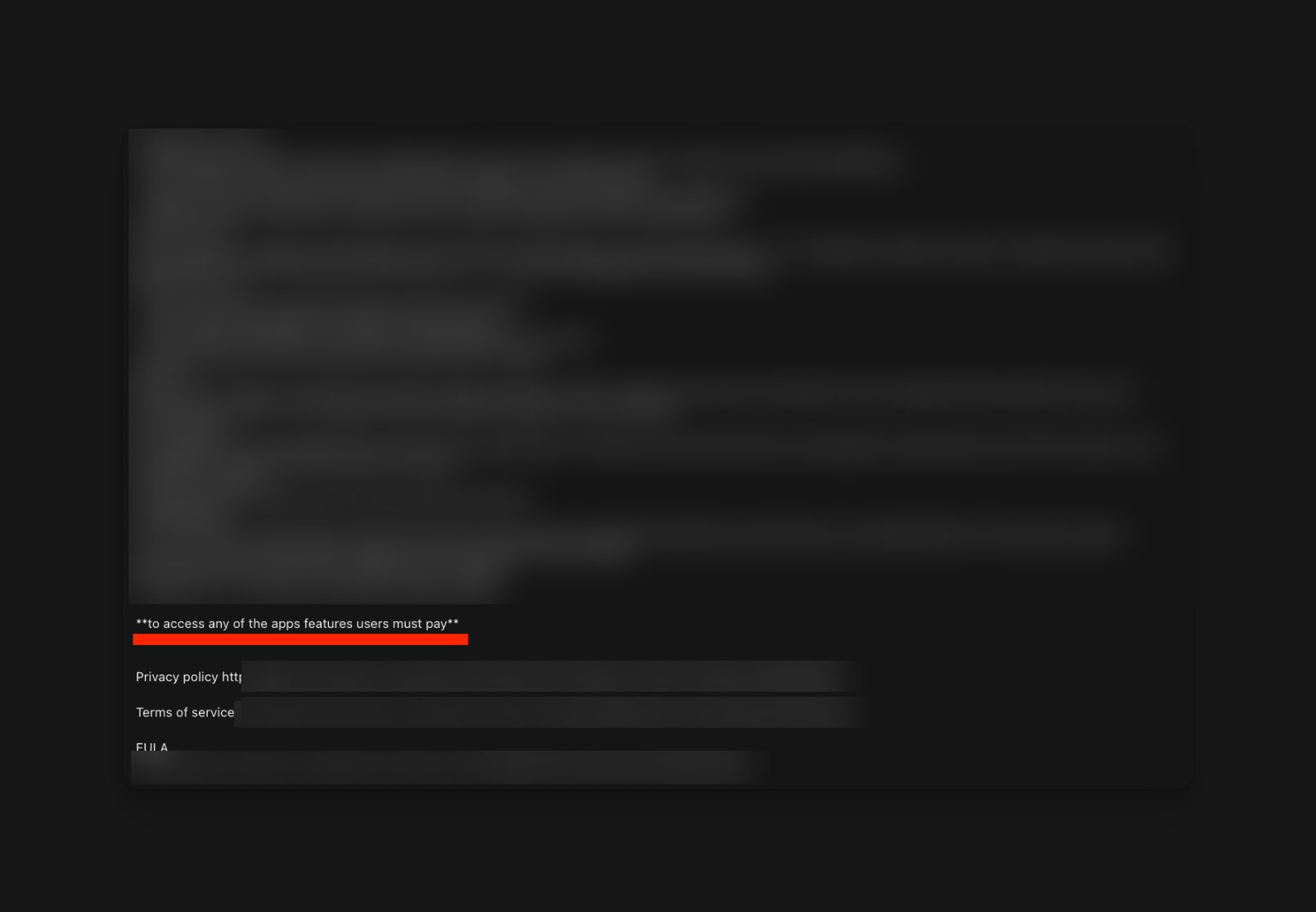
Ipad Screenshots
You can’t just submit photos of an iPhone screenshot just stretched to the size of an iPad; Apple will reject you.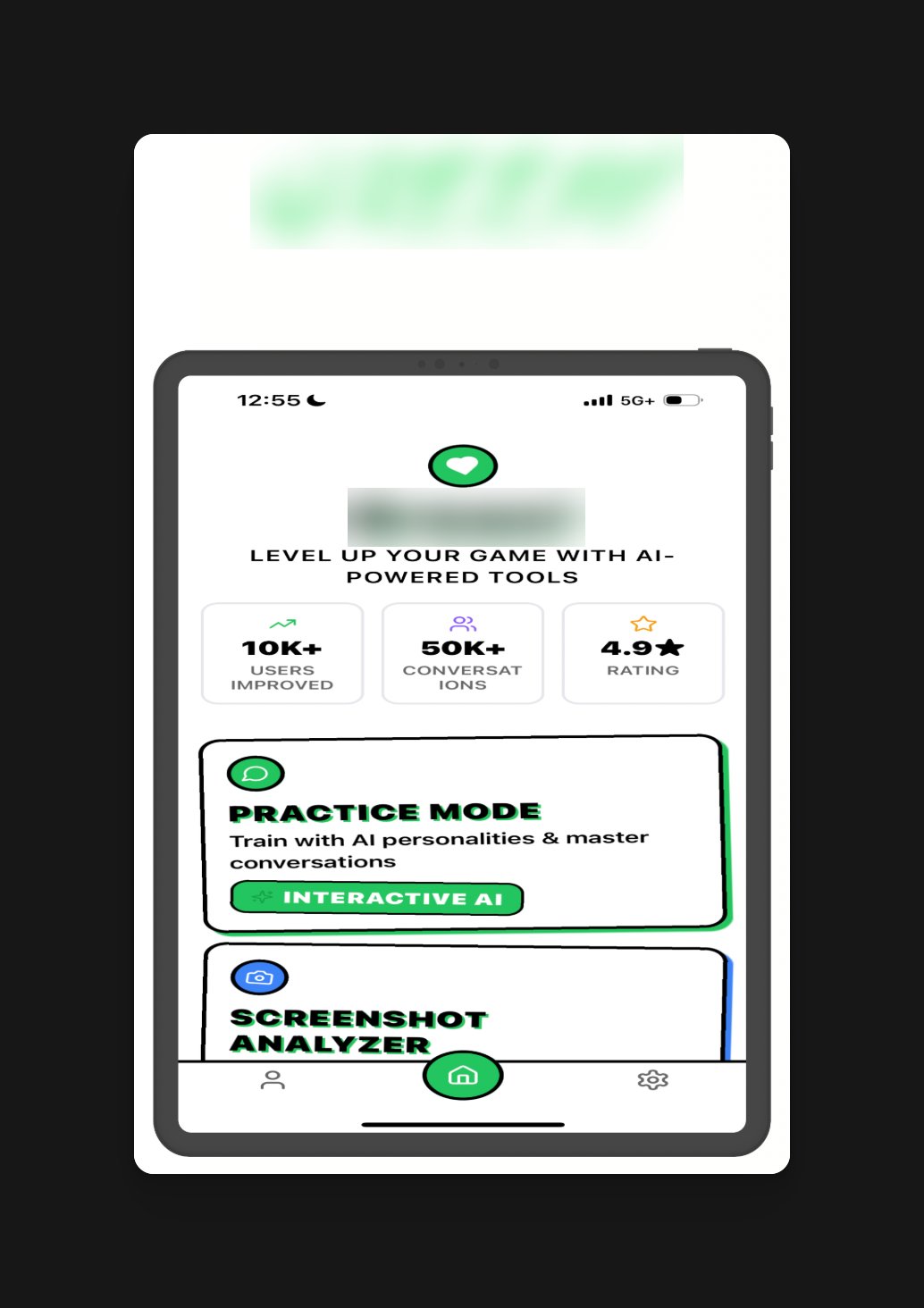
This will be rejected because they’re not real iPad screenshots; they’re just stretched iPhone screenshots.
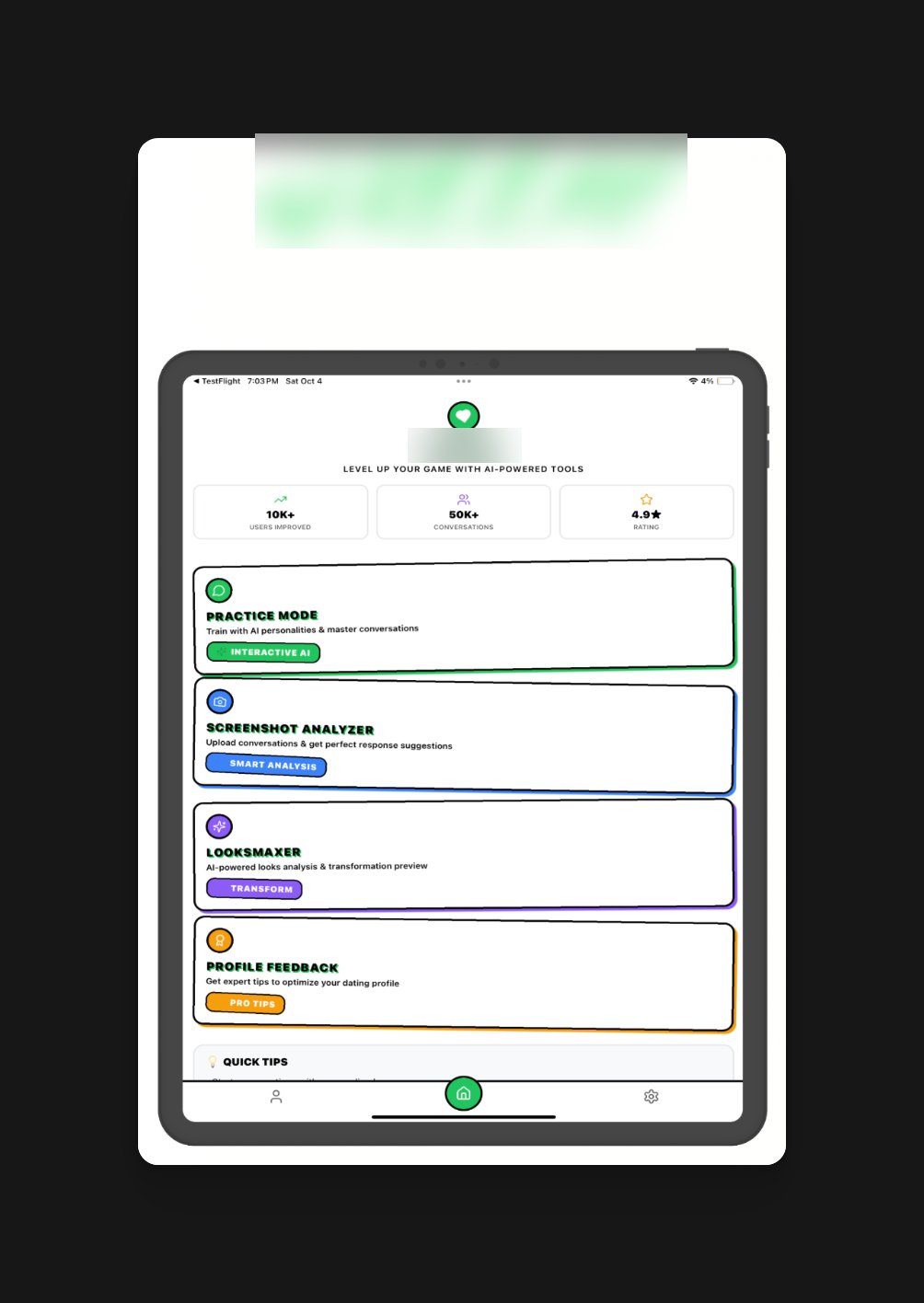
Will be accepted because it’s a real screenshot of an iPad