

Two ways to import
Both use GitHub Sync: Rork stays connected to the repository, so it reads your real source files instead of guessing from screenshots or descriptions.
Start a new project from a GitHub repo
1. Click “GitHub to Mobile App”
On rork.com, under the prompt box, click GitHub to Mobile App.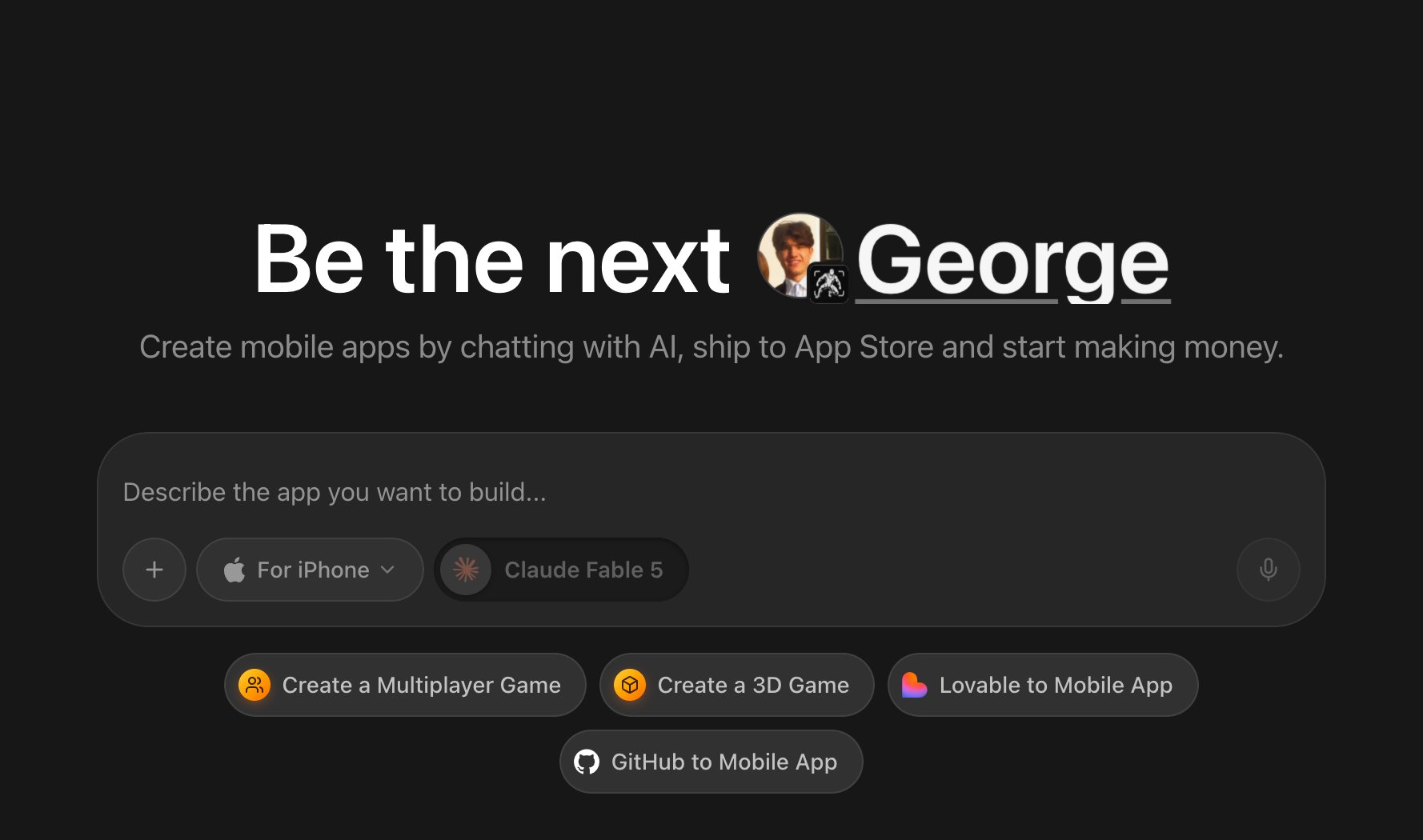
2. Paste the repository URL
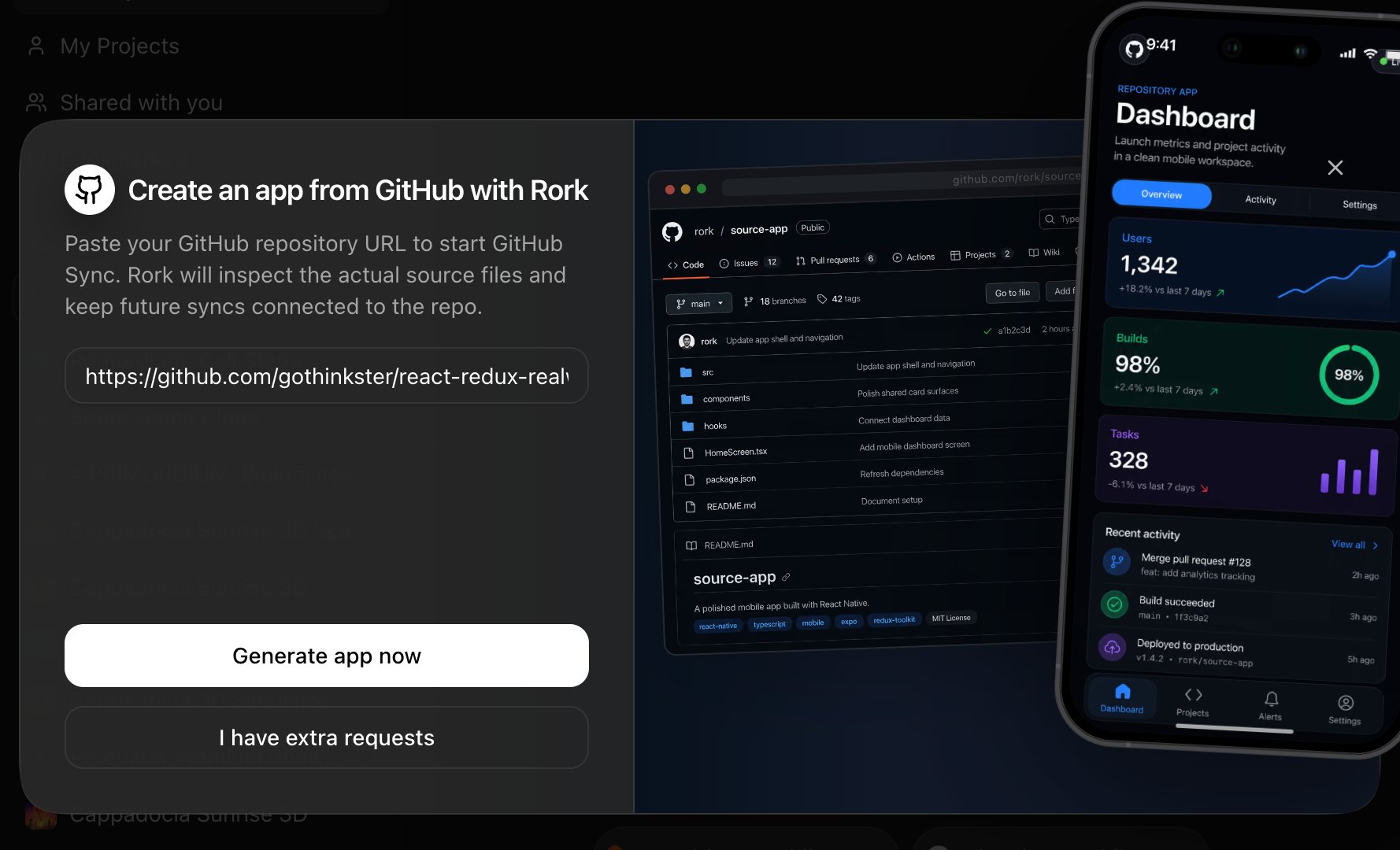
The dialog “Create an app from GitHub with Rork” opens. Paste your repository URL (https://github.com/owner/repo).
3. Generate the app
- Generate app now starts immediately, or
- I have extra requests attaches the repo to your prompt so you can add instructions (“import this and make the dashboard the home screen”).
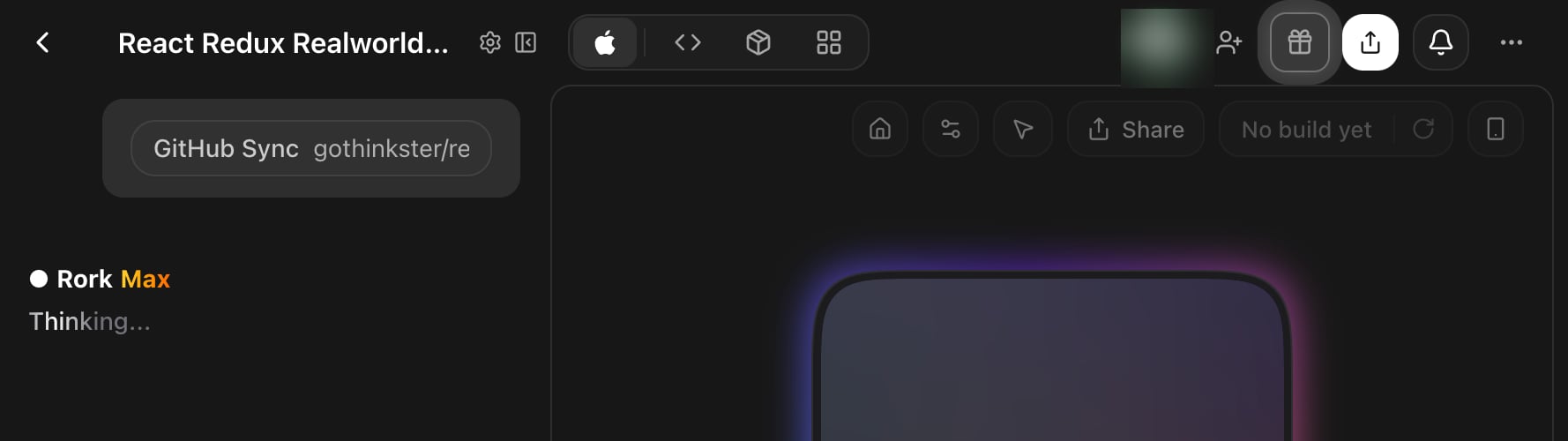
4. Grant access via the Rork GitHub App
GitHub Sync works through the Rork GitHub App, so the app needs access to the repository you’re importing. The agent guides you through it right in the chat:- If the app isn’t installed yet, click Open GitHub in the chat widget and install it.
- If the app is installed but can’t see this repository, click Update GitHub permissions and add the repo (you can limit access to just that one repo).
- Back in Rork, click I’ve updated permissions / Retry, then Continue to confirm.
The repository must live in a GitHub account or organization where you can install the Rork GitHub App. To import someone else’s public repository, fork it to your account first and import your fork.
5. The agent rebuilds your app from the source
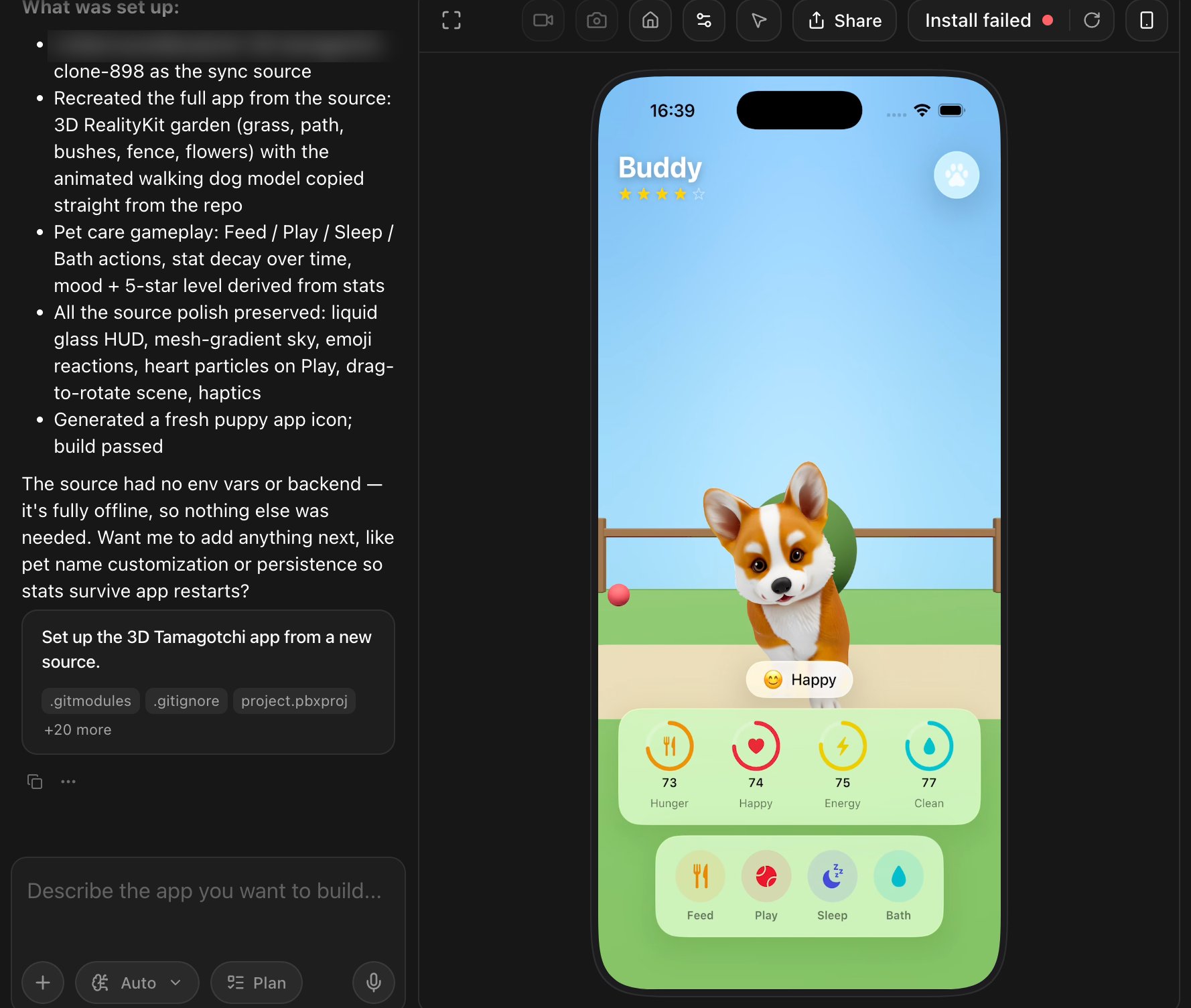
Once connected, the agent scans environment variables, audits the source (screens, patterns, theme, integrations), scaffolds the native app, and reproduces your product, reusing your real assets straight from the repo: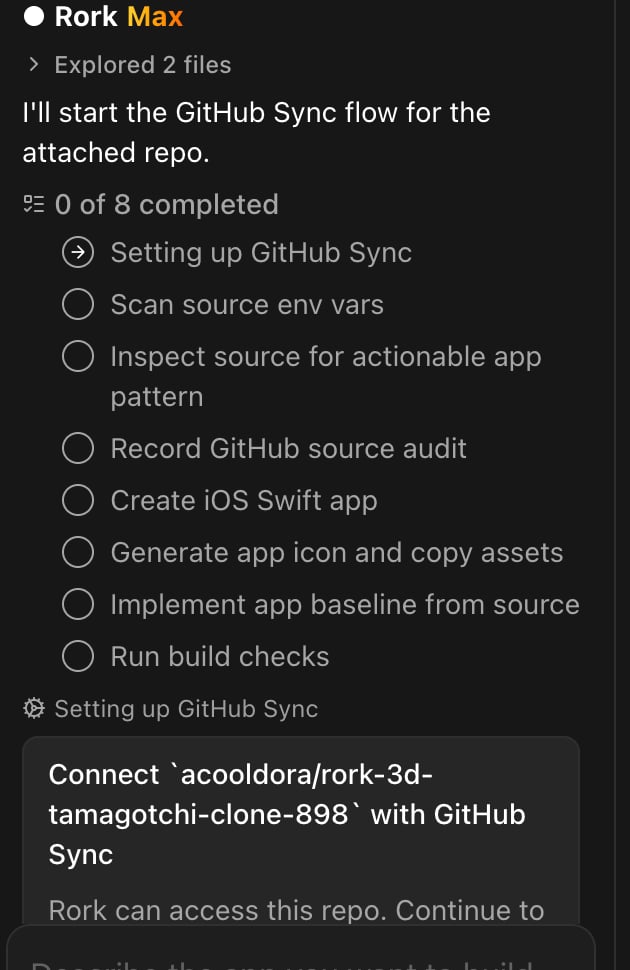
Import without changing anything
You don’t have to describe changes to import. Paste the URL and click Generate app now. The I have extra requests button is optional: you can ask for changes later, in your next chat messages. One thing to know before you start: import is a rebuild, not a copy. Rork connects your repository as a read-only source and writes a fresh native app from what it reads there. It does not move your files into an editor one by one. Your screens, flows, branding, data model, and assets carry over. The UI code becomes Swift, Kotlin, or React. Import also costs credits, like any other prompt: one credit creates the project, and each following agent message costs credits too.Import a repo into an existing project
Inside any project, paste a GitHub URL in the chat and ask the agent to connect it, for example:Keep the sync two-way
GitHub Sync is not a one-time copy. When new commits land in the connected source repository, the project notifies you and you can pull them in with one click: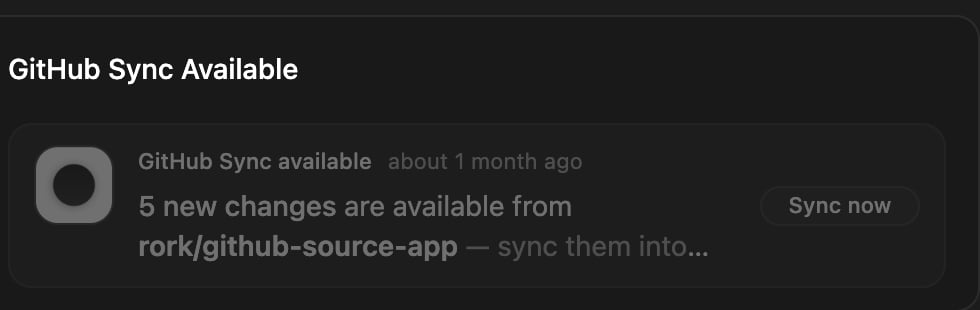
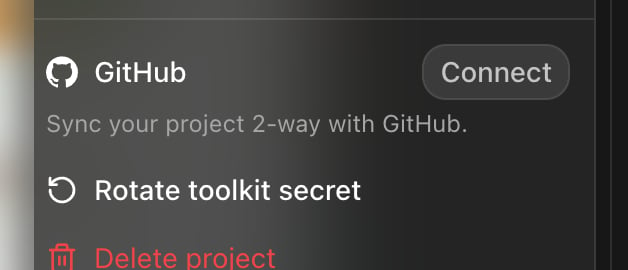
- Every change Rork makes is pushed to GitHub.
- Commits you push from your editor are imported back into Rork.
What kinds of repos work best?
- Web apps (React, Vue, Next.js, anything with readable source): Rork rebuilds the product as a native mobile app.
- Output of other AI builders (Lovable, Bolt, v0, Replit, and others): see Import from any app builder.
- React Native / Expo projects: the agent reads the source and rebuilds it as a native Swift or Kotlin app, see Convert between platforms.
- Native Swift or Kotlin projects: the agent reads your existing native source and rebuilds the app in Rork. It does not adopt your Xcode or Android Studio project as-is, so treat the import as a fresh native app that reproduces your product.
- Backends / APIs: connect them as a source so your mobile app matches the API exactly.
FAQ
How does GitHub to Mobile App work?
In four steps. You paste your repository URL in the GitHub to Mobile App dialog on rork.com. You give the Rork GitHub App access to that repository. The agent reads your real source files and audits the screens, theme, integrations, and environment variables. Then it builds a native app from what it found, and keeps the repository connected so you can pull in later commits.Does importing change my repository?
No. Importing reads your code. Rork only pushes to a repository if you explicitly connect two-way sync for the project, and that’s a separate repository that Rork creates (or one you choose).Which plan do I need to import a repo?
Import is not locked to a specific tier. It costs credits, like a normal prompt. You do need a paid plan, because the import builds a working app, and the Free plan only designs apps. The platform you build for is what differs. Rork Pro ($20/month) covers iPhone (SwiftUI), Android (Kotlin + Compose), and web. Rork Max adds iPad, Apple Watch, Vision Pro, native games, iOS widgets, and priority chat support. So a native Swift repository imports fine on Rork Pro, and you only need Rork Max for the extra Apple devices and Max-only features. See Plans & Subscriptions.Can I import a monorepo?
Yes. Mention which folder or app inside the monorepo you care about in your prompt so the agent focuses on the right code.The repo isn’t found or access fails
- Check the URL is
https://github.com/owner/repo(no.gitsuffix needed, branches and subfolders can be mentioned in your prompt). - For private repos, make sure the Rork GitHub App is installed on the account/organization that owns the repo, with access to that specific repository.