

Why would you want to enable GitHub sync?
Connect GitHub if you want to take your Rork app beyond the Rork editor and into traditional development tools.GitHub lets you:
- Share your project with a developer for collaboration or customization
- Open and edit your app in Cursor or any code editor
- Run and debug the project in Xcode for iOS development
- Make code-level changes that go beyond prompt-based building
If you want deeper control, collaboration, or native tooling, it’s recommended.
Step-by-step guide:
-
Click Integrations
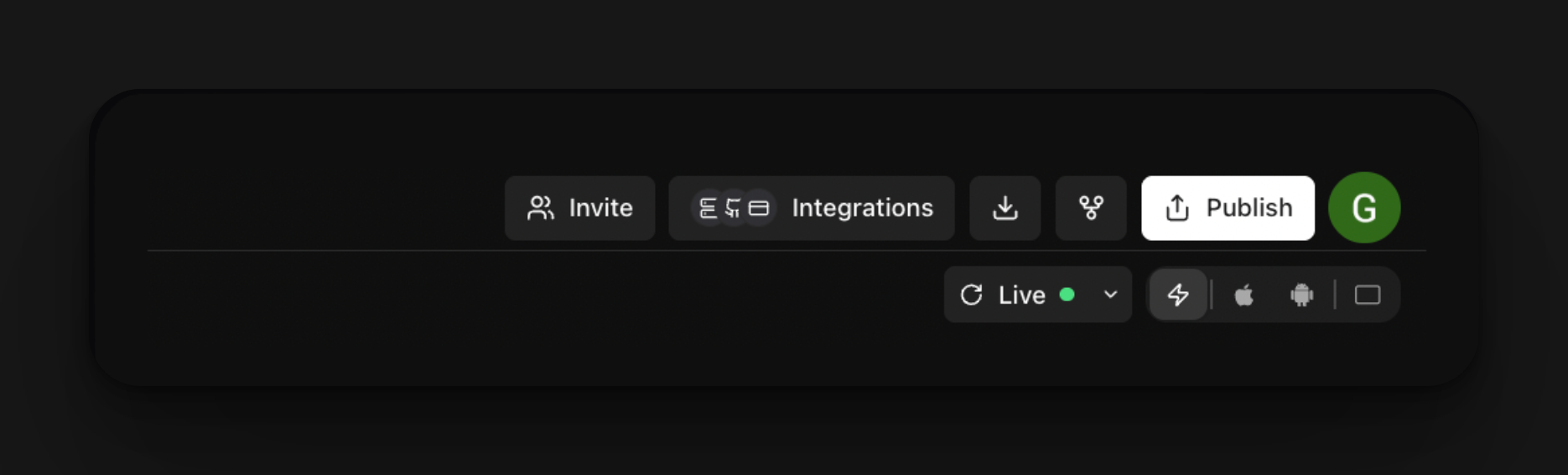
-
Click connect with GitHub
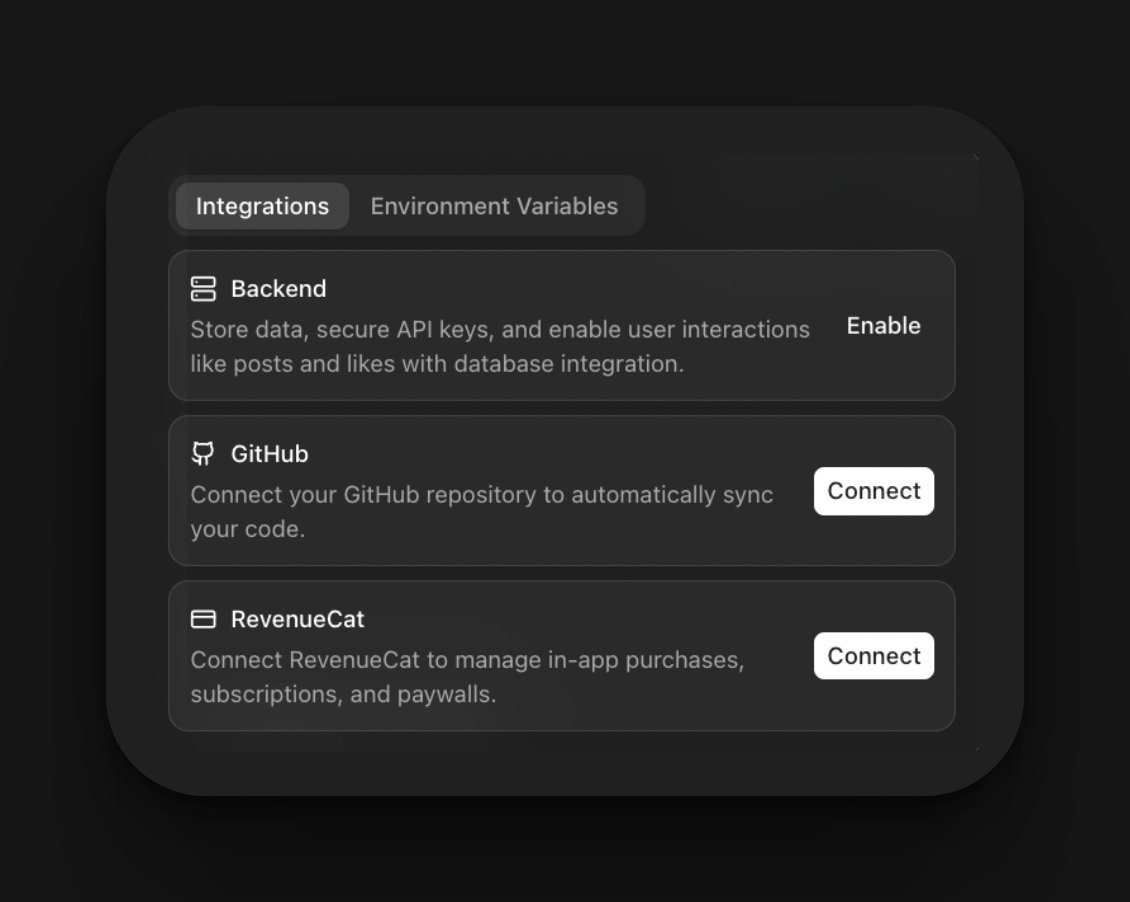
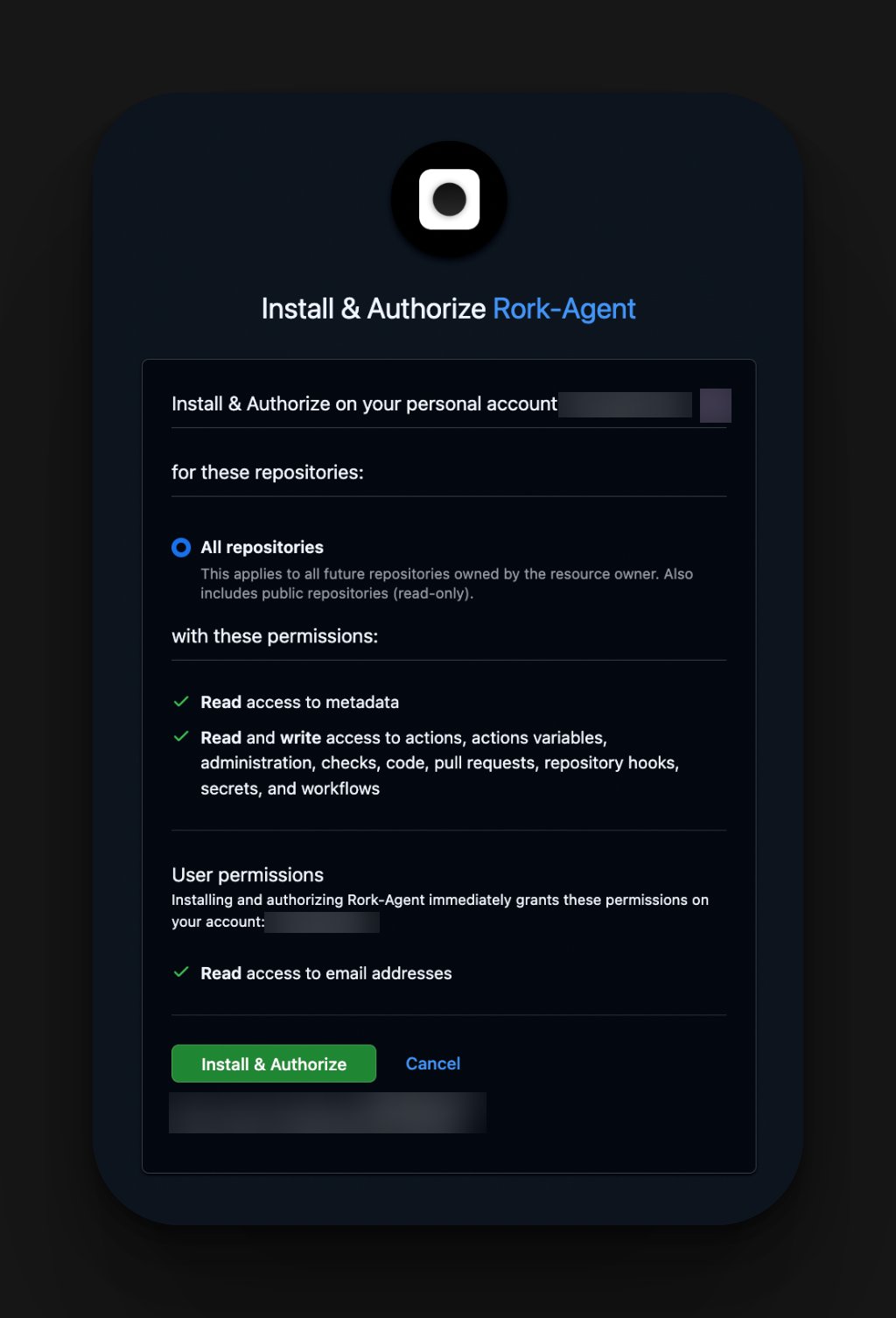
- Once GitHub opens, create an account. Then click install and authorize
- You will get redirected to Rork, and then name your Repository
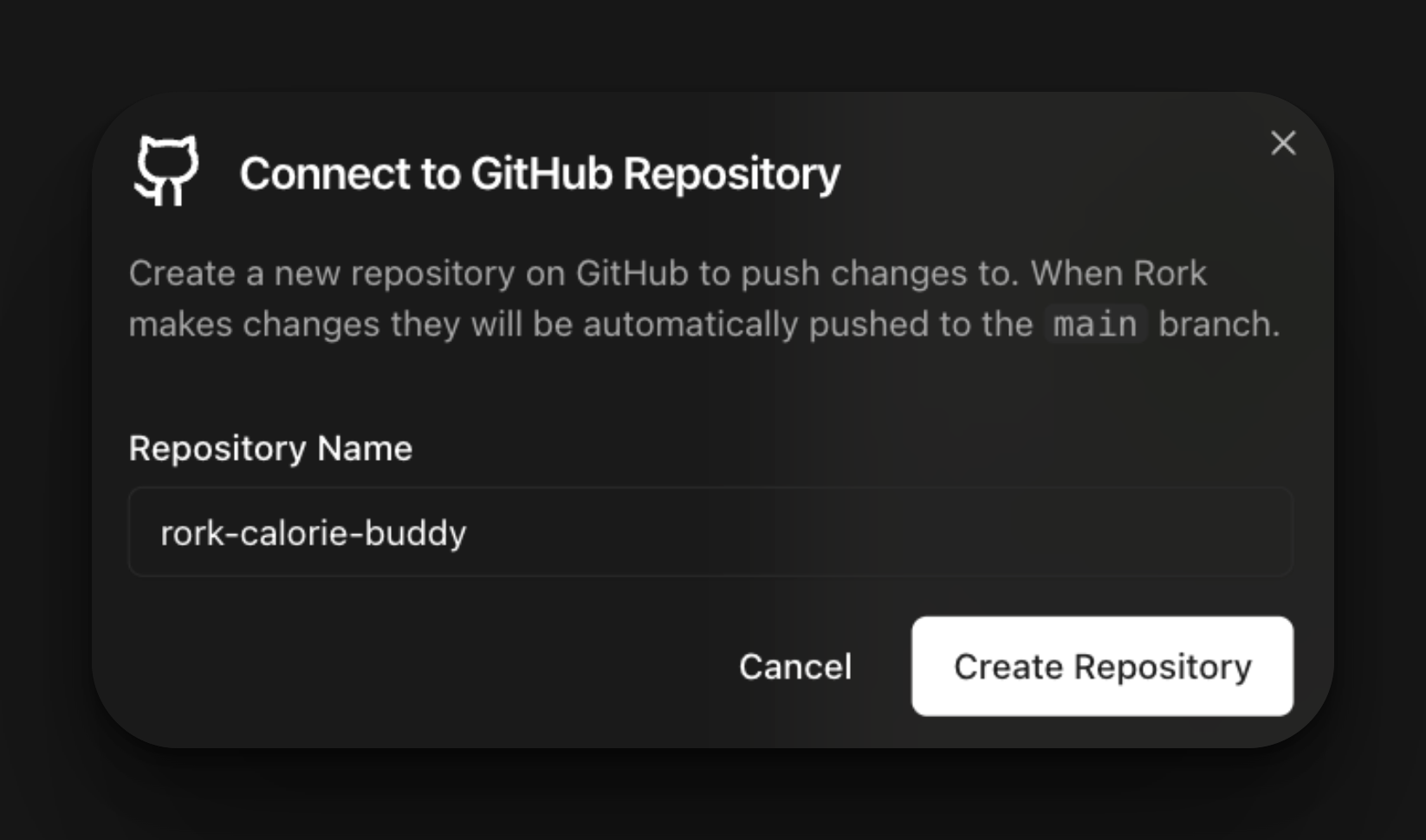
- Now your project is officially connected to GitHub
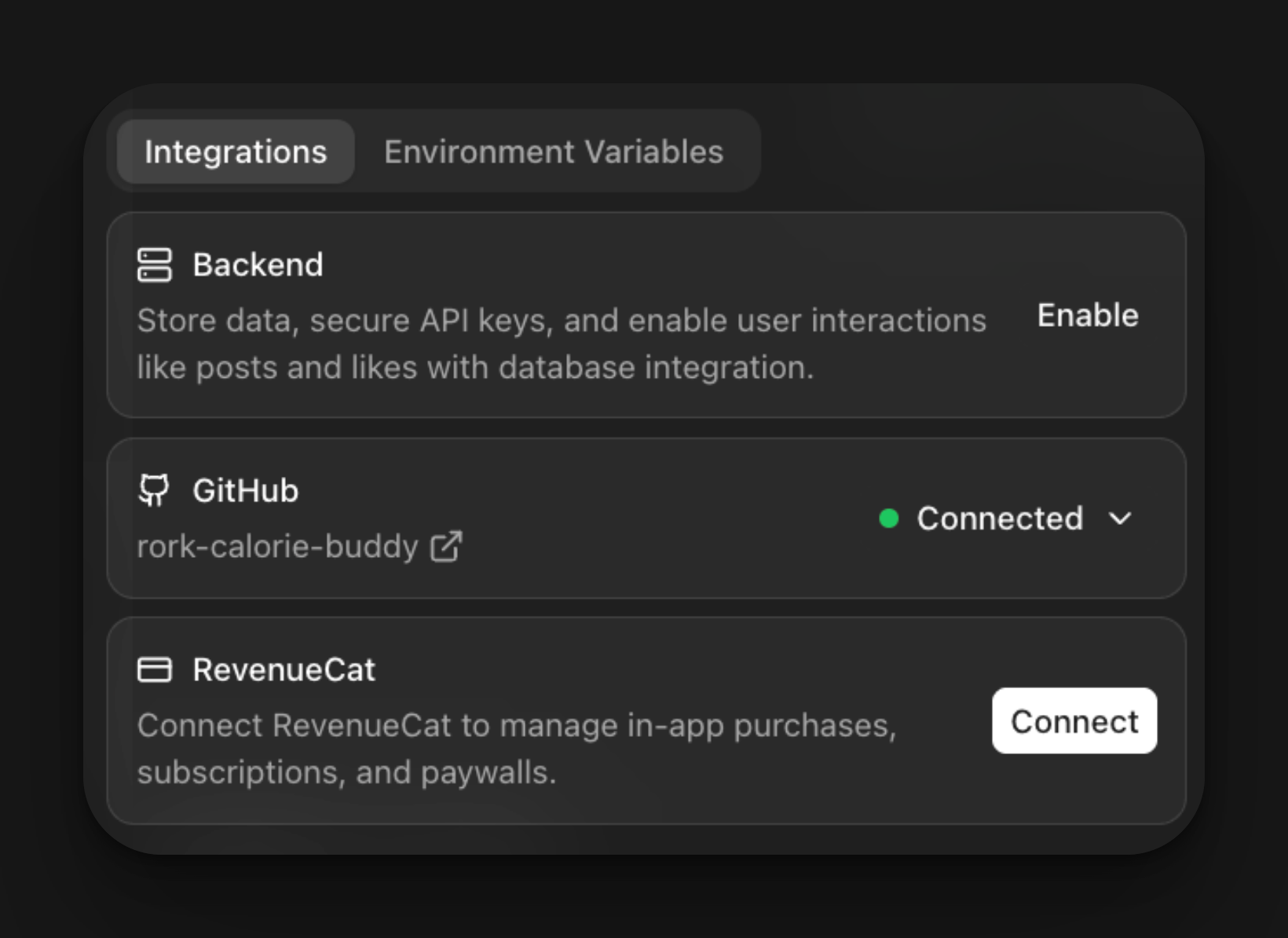
What You Can Do Now
With GitHub connected, your Rork project is no longer limited to the Rork editor. You can now:- Hand your project to a developer
Share the repository so a developer can clone, edit, and push changes. - Open the project in Cursor or a code editor
Inspect and modify the generated code using Cursor, VS Code, or any IDE. - Run and debug the app in Xcode
Build locally, test on real devices, and use Apple’s native debugging tools. - Customize beyond prompts
Make precise code-level changes, add native features, or fine-tune performance. - Work in parallel with Rork
Continue building in Rork while edits are made through GitHub.