

Watch the Lovable migration walkthrough
Follow the complete example: publish the Lovable app, link its GitHub repository in Rork, review the imported environment variables, and preview the native app.What you get
- A native iOS app (and Android / web versions from the same project) built from your existing Lovable app.
- Lovable Sync: Rork connects to the GitHub repository behind your Lovable app, inspects the actual source files, and keeps future syncs connected to the source.
- The full Rork workflow afterwards: preview in a cloud simulator, test on your phone, publish to TestFlight and the App Store, all without Xcode.
Rork rebuilds your app with native UI. This is different from wrapper tools (Capacitor, Median, and similar) that put your website inside a webview. Those often get rejected under Apple’s Guideline 4.2 (Minimum Functionality) because they don’t offer a native experience.
Before you start
- Connect your Lovable project to GitHub (done inside Lovable: Settings → GitHub → Connect). Lovable pushes your project code to a repository on your GitHub account. Rork needs that repository to see your real source files.
- Have your Lovable app URL ready. It looks like
https://your-app.lovable.app.
Step-by-step
1. Open Rork and click “Lovable to Mobile App”
On rork.com, right under the prompt box, click the Lovable to Mobile App button.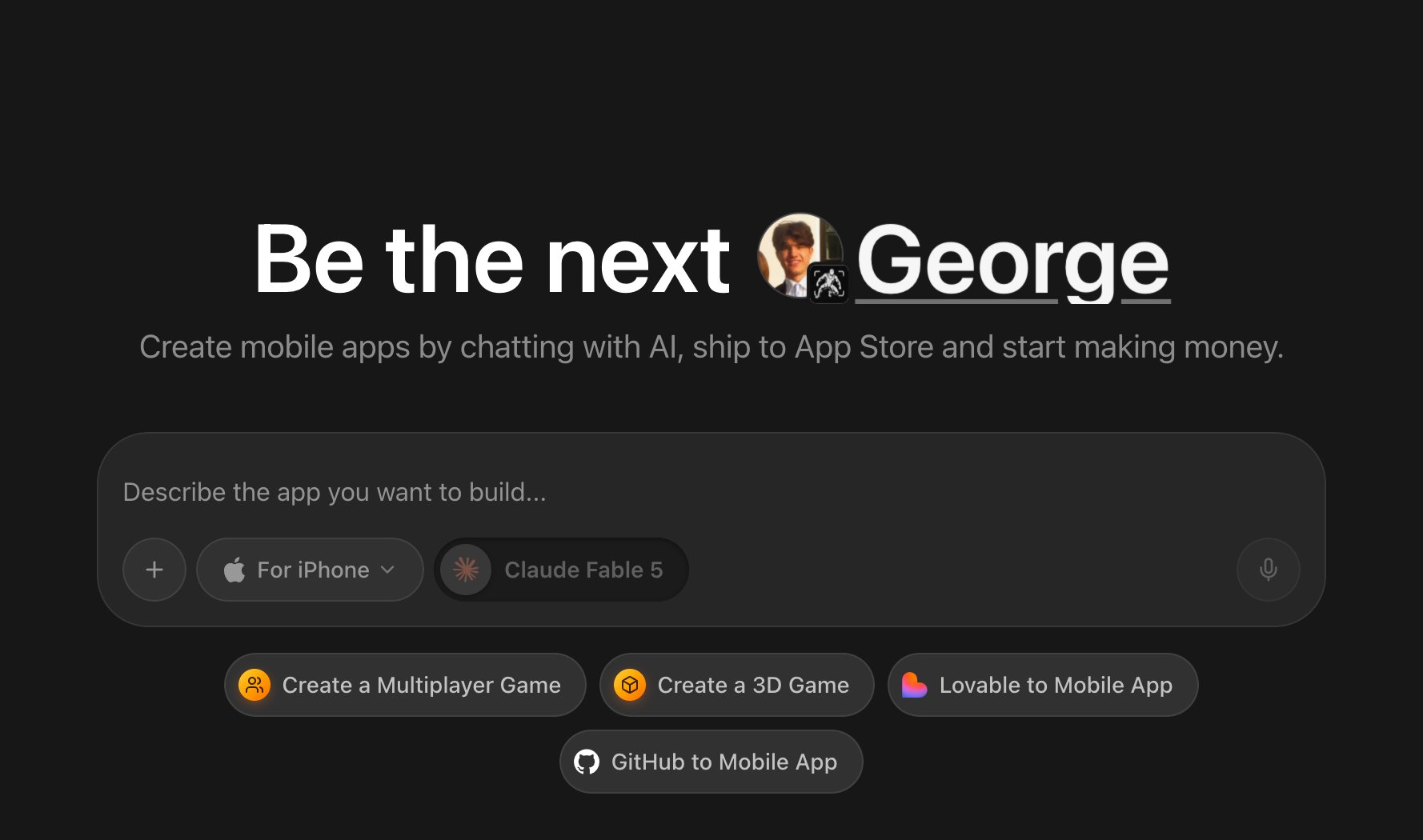
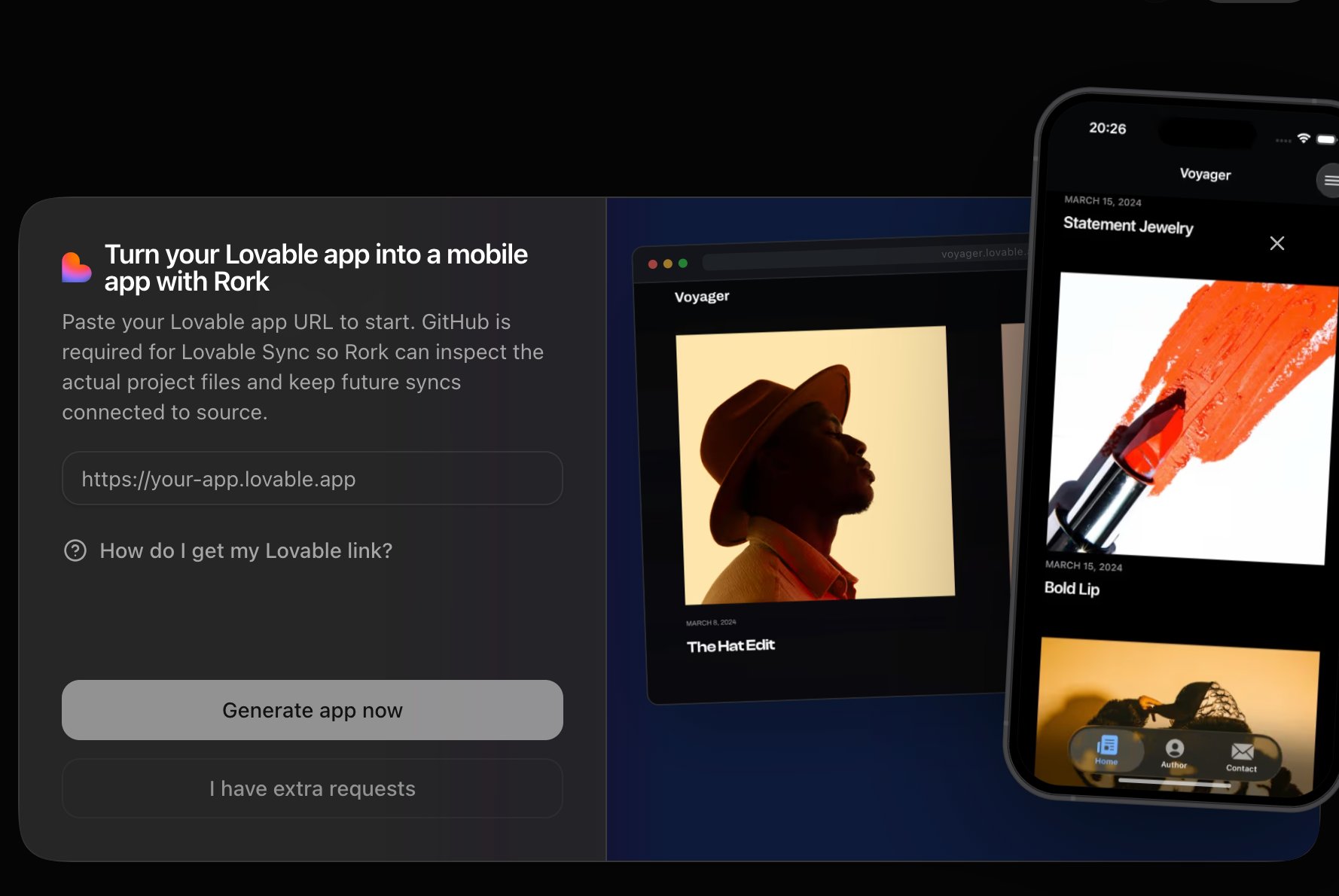
2. Paste your Lovable app URL
A dialog opens: “Turn your Lovable app into a mobile app with Rork.” Paste yourhttps://your-app.lovable.app link.
3. Generate the app
- Click Generate app now to start immediately, or
- Click I have extra requests if you want to add instructions to the prompt first (for example: “keep the branding but redesign the navigation as native tabs”).
4. Link the GitHub repository (Lovable Sync)
In the new project’s chat, the agent asks you to set up Lovable Sync: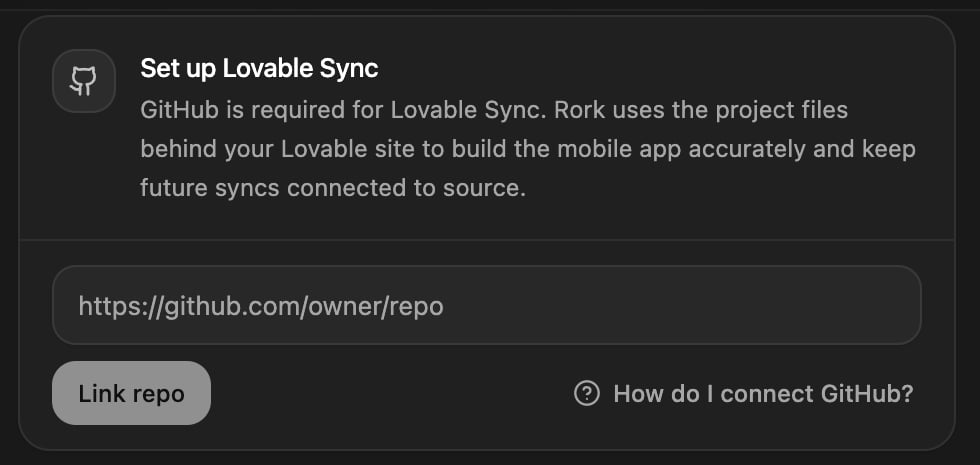
- Paste the URL of the GitHub repository that Lovable created for your project.
- If you haven’t installed the Rork GitHub App yet, click Install GitHub app and grant it access to that repository. You may also see Update GitHub permissions if access is missing.
- Click Link repo.
5. Environment variables come along automatically
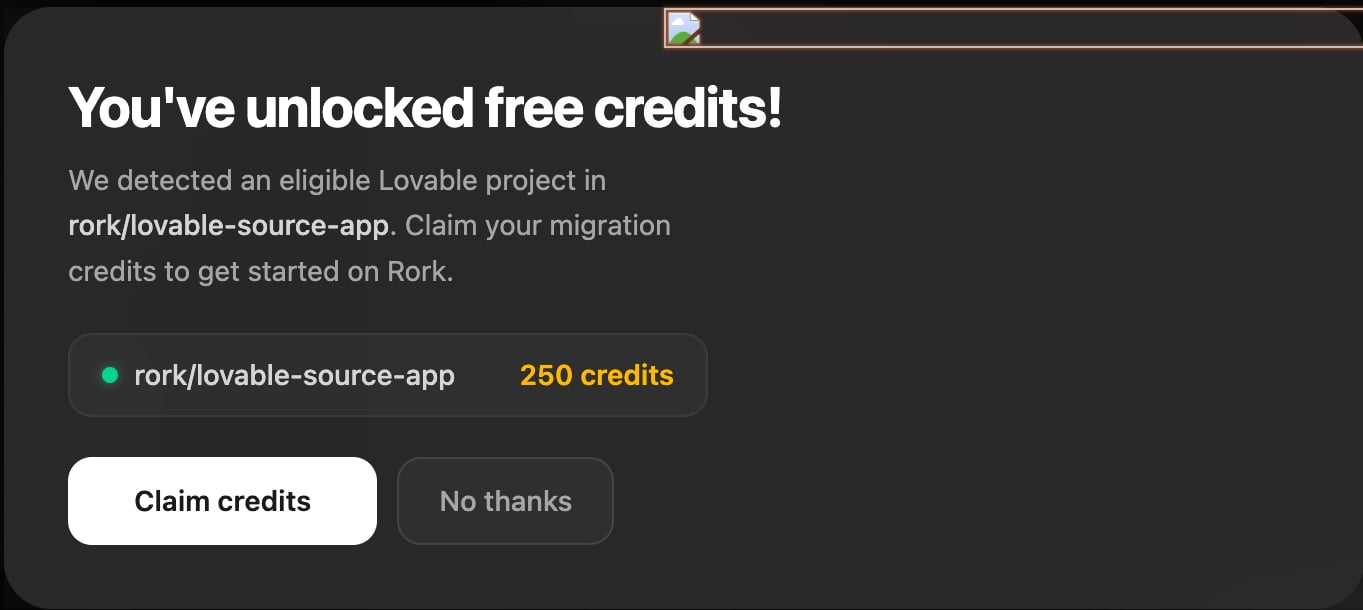
Right after the repo is linked, Rork scans your source for environment variables. Public client keys that are committed in the Lovable source (Supabase anon key, Firebase web config, Stripe publishable key, analytics keys) are imported automatically; if anything is missing or conflicting, an in-chat panel asks you for the values: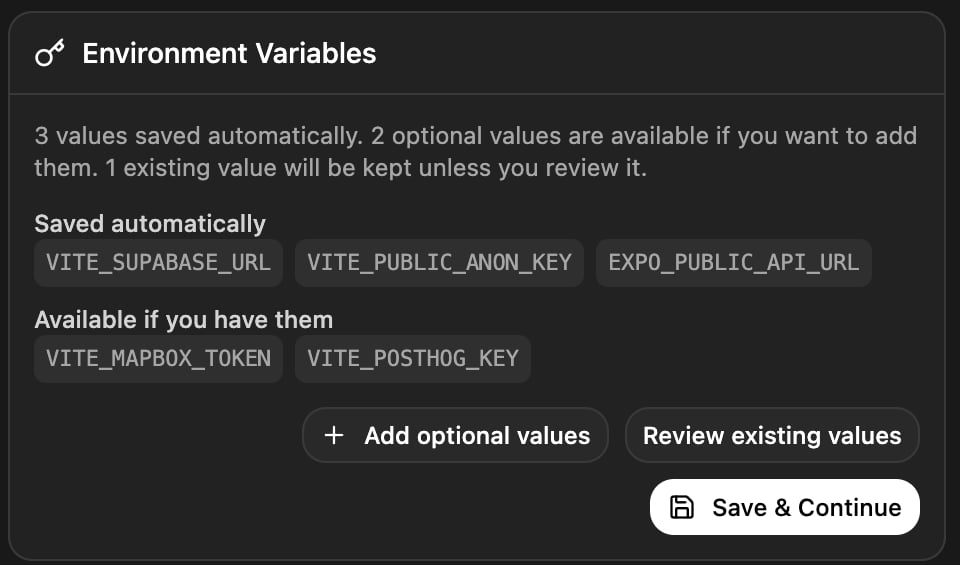
6. Watch the mobile app come to life
The agent surveys your screens, flows, copy, colors, and assets, then rebuilds the product as a native mobile app: native tab bars and navigation stacks instead of a web navbar, mobile-first layouts, your real brand assets copied straight from the repo. Marketing/landing pages typically become onboarding and store-listing material rather than in-app screens: the agent keeps the product, not the website chrome. You’ll see the app running in the cloud simulator as it’s built. From here it’s a normal Rork project, so keep iterating by chatting.What about my Supabase backend?
If your Lovable app uses Supabase, the imported source includes your Supabase client code and schema references, and the committed anon key is picked up by the env scan, so your web app and mobile app share the same database and auth out of the box. See Supabase setup.Publish it
When you’re happy with the app:- Publish to the App Store, built into Rork, no Xcode needed.
- Publish to Google Play by exporting and building the AAB.
- Or add a web version too: see Add iOS, Android, and web versions.