

- Get your project into a GitHub repository (every serious builder has an export or sync).
- Import that repository into Rork with GitHub import.
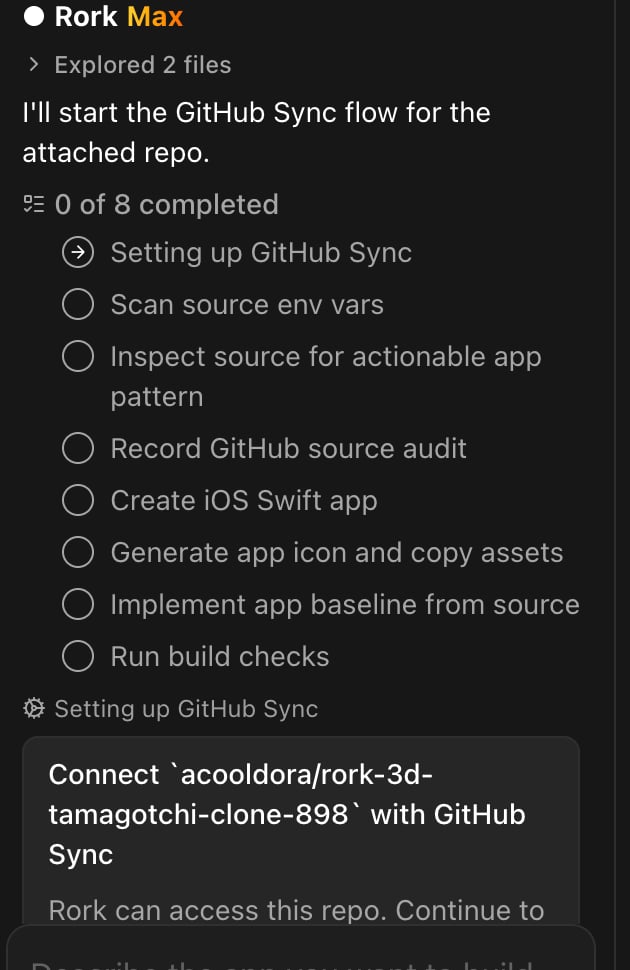
- Rork reads your real source files and rebuilds the product as a native iOS / Android app.
Step 1. Export your project to GitHub
How to get a repository out of each popular builder:Lovable
Lovable has first-class GitHub sync, and Rork has a dedicated one-click import for it. Use the dedicated guide: Convert your Lovable app to a mobile app.Bolt (bolt.new)
Bolt can push your project to GitHub: open your project → toolbar → Connect to GitHub (or Export → Download as a ZIP and push it yourself). Bolt generates standard web projects, and React Native projects if you asked for mobile. Rork imports either one and rebuilds it as a native app.v0 by Vercel
v0 projects live in Git already if you’ve pushed them: use Add to codebase / Download ZIP, or connect your v0 project to a Vercel Git repository. Import the resulting repo into Rork.Replit
In your Repl: Git pane → Connect to GitHub → Create repository, then push. Replit Agent apps are normal source code underneath, so they import cleanly.FlutterFlow
Settings → Integrations → GitHub → Connect exports your generated Flutter code (paid plans), or use Download Code. Rork doesn’t build Flutter apps; instead, the agent reads your screens, logic, and data structure from the Dart code and rebuilds the app natively. Mention in your prompt that the source is Flutter.Softr / Glide / Bubble (no code export)
These platforms don’t export usable source code. See No code export? below.Base44 / other AI builders
Most AI-first builders (Base44, Create, Databutton, and similar) offer GitHub sync or a code download. Find GitHub / Export code in your project settings, get the repo, import it.Step 2. Import the repository into Rork
- Go to rork.com and click GitHub to Mobile App under the prompt box.
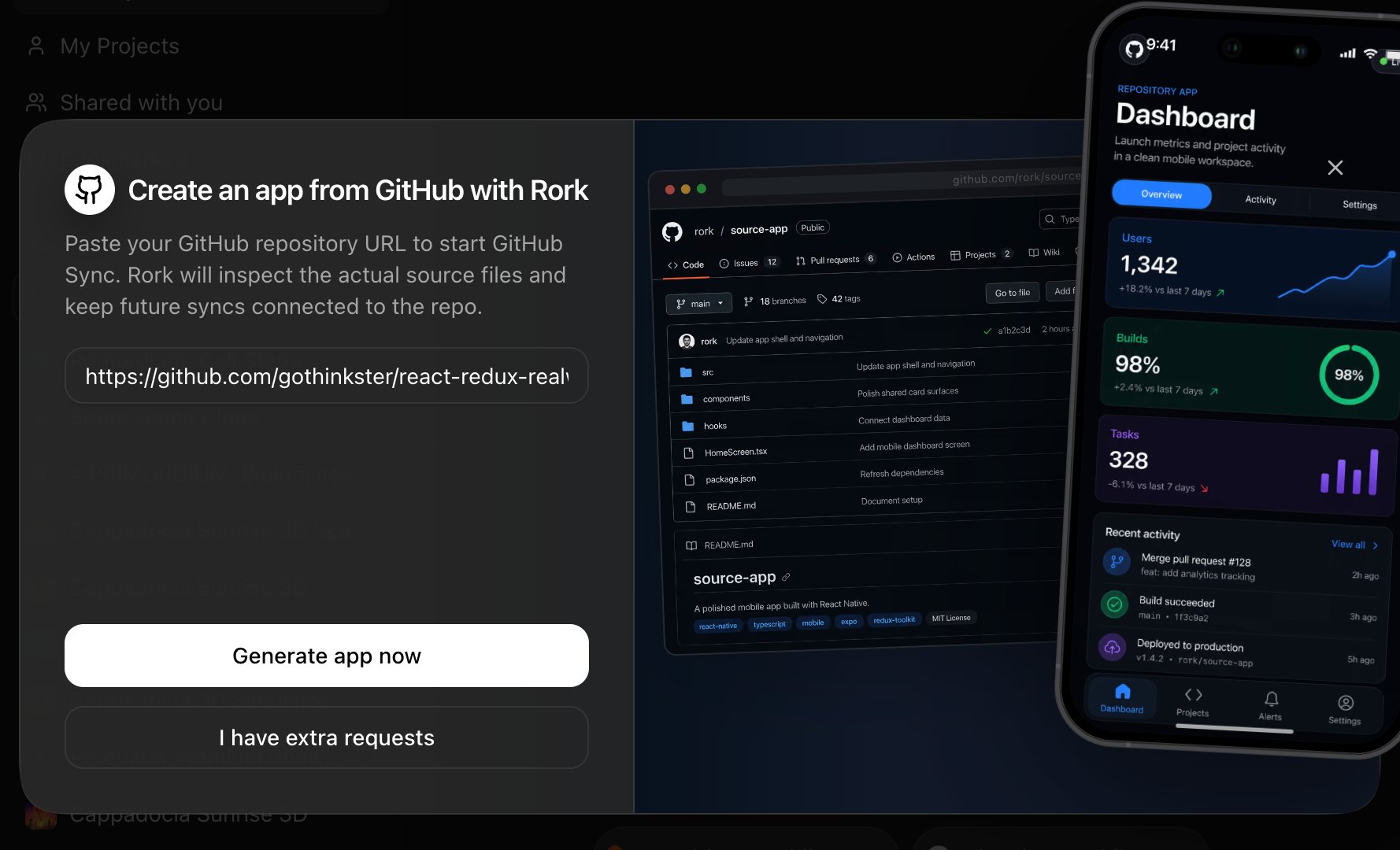
- Paste the repository URL.
- Click Generate app now, or I have extra requests to describe what you want changed during the migration (this is a great moment to ask for native-first navigation, or to drop features you no longer need).
Step 3. Reconnect your backend
Your data layer usually survives the migration as-is:- Supabase / Firebase: give the agent your project URL and your public client keys as environment variables, and the mobile app talks to the same database and auth as before. For Supabase use the publishable key (the legacy name is
anon), and keep Row Level Security on. For Firebase use the public client configuration. See Supabase and Firebase. - Custom API: the agent reads your API calls from the imported source and reuses the same endpoints.
- No backend yet: ask the agent to set one up with Rork Cloud.
No code export? Import it anyway
If your current tool (Softr, Glide, Bubble, Adalo, and similar) won’t give you source code, you can still migrate. You just start from the product instead of the code:- Take screenshots of every screen of your existing app and attach them to your first prompt in Rork.
- Add the public URL of the app so the agent can study the flows.
- Describe the data model in plain words (“users, orders, each order has line items…”).
- If your data lives in Airtable / Google Sheets / Supabase, tell the agent, it can connect to the same data source or import the data.