

Pick your path
Path A. Import the website code
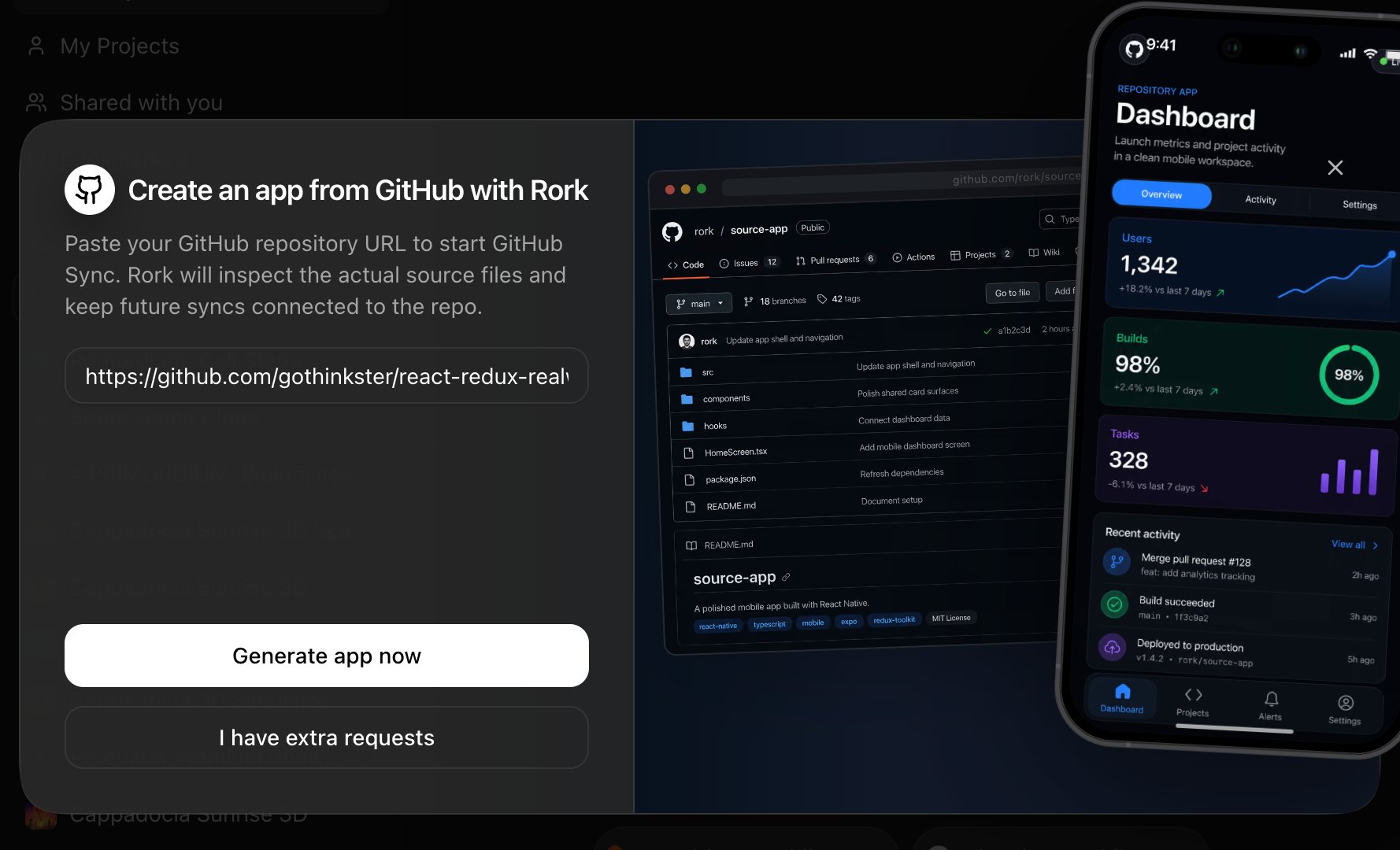
If your website’s source is available, import gives the agent the most to work with:- On rork.com, click GitHub to Mobile App and paste the repository URL.
- In your prompt (via I have extra requests), say what the mobile app should focus on, e.g. “make a customer app for browsing and booking; skip the admin pages”.
- The agent inspects the source, keeps your branding and data flows, and builds native mobile screens.
Path B. No code access
No repository? No problem, give the agent the product instead:- Start a new Rork project and paste your website URL in the prompt.
- Attach screenshots of the key pages (home, product/detail page, checkout/booking, profile).
- Describe what the app should do in one or two sentences, for example:
Add iOS and Android apps to an existing Rork project
Every Rork project can hold multiple apps that share one project and backend: iOS, Android, and web. Each platform keeps its own native codebase, and Rork updates them from the same project. If you already have (or just imported) a web app in Rork, adding native mobile is two clicks:Option 1. The ”+” button next to the platform switcher
In the project header, click + (Add preview platform) and choose the platform to add: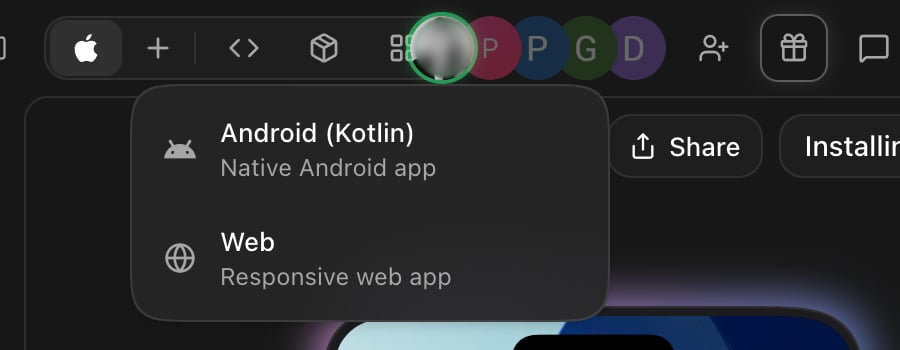
Option 2. Project Settings → Add new app
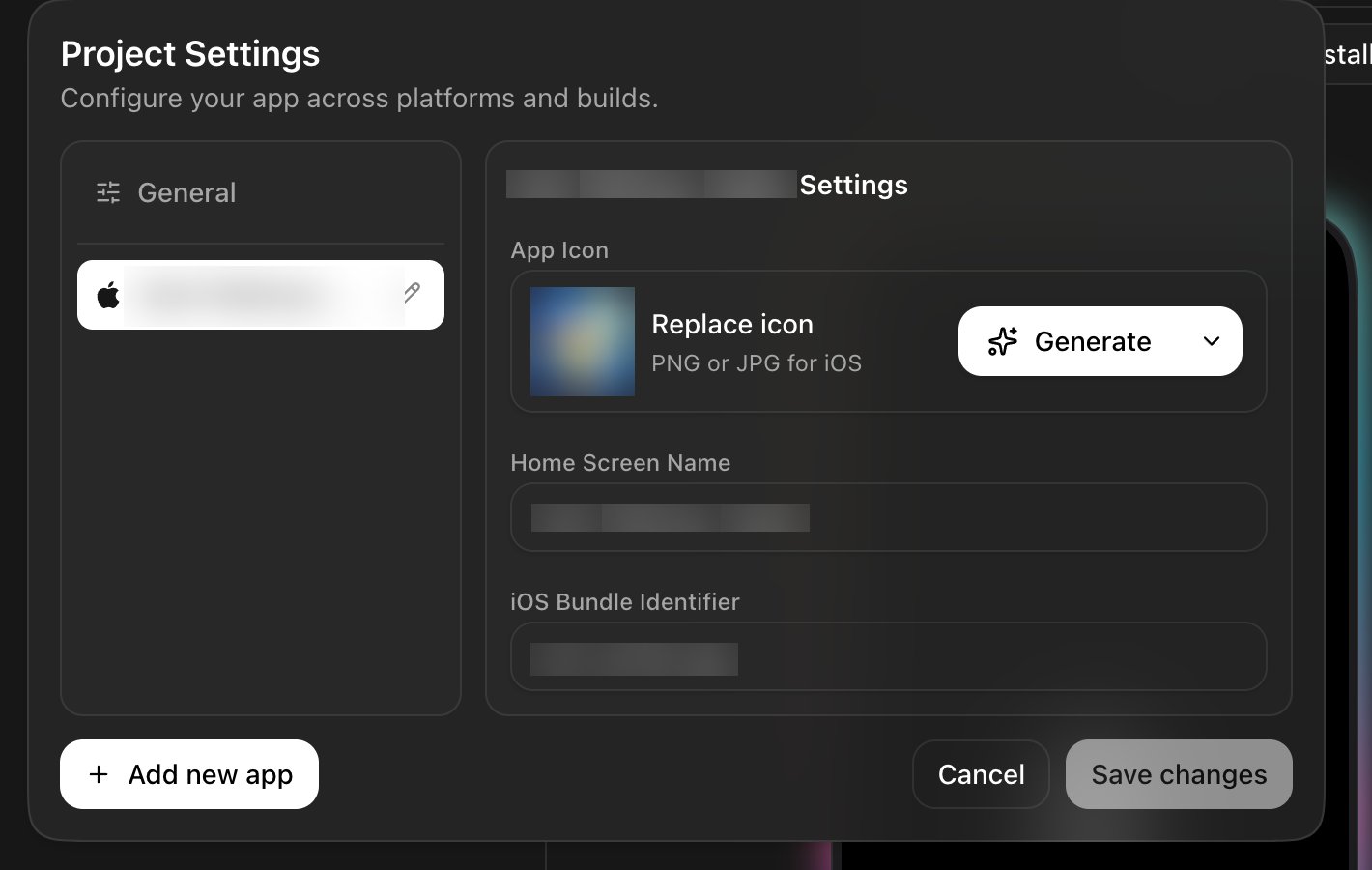
Open Project Settings (gear next to the project title) → Add new app → pick Android or Web (or iOS if the project started elsewhere):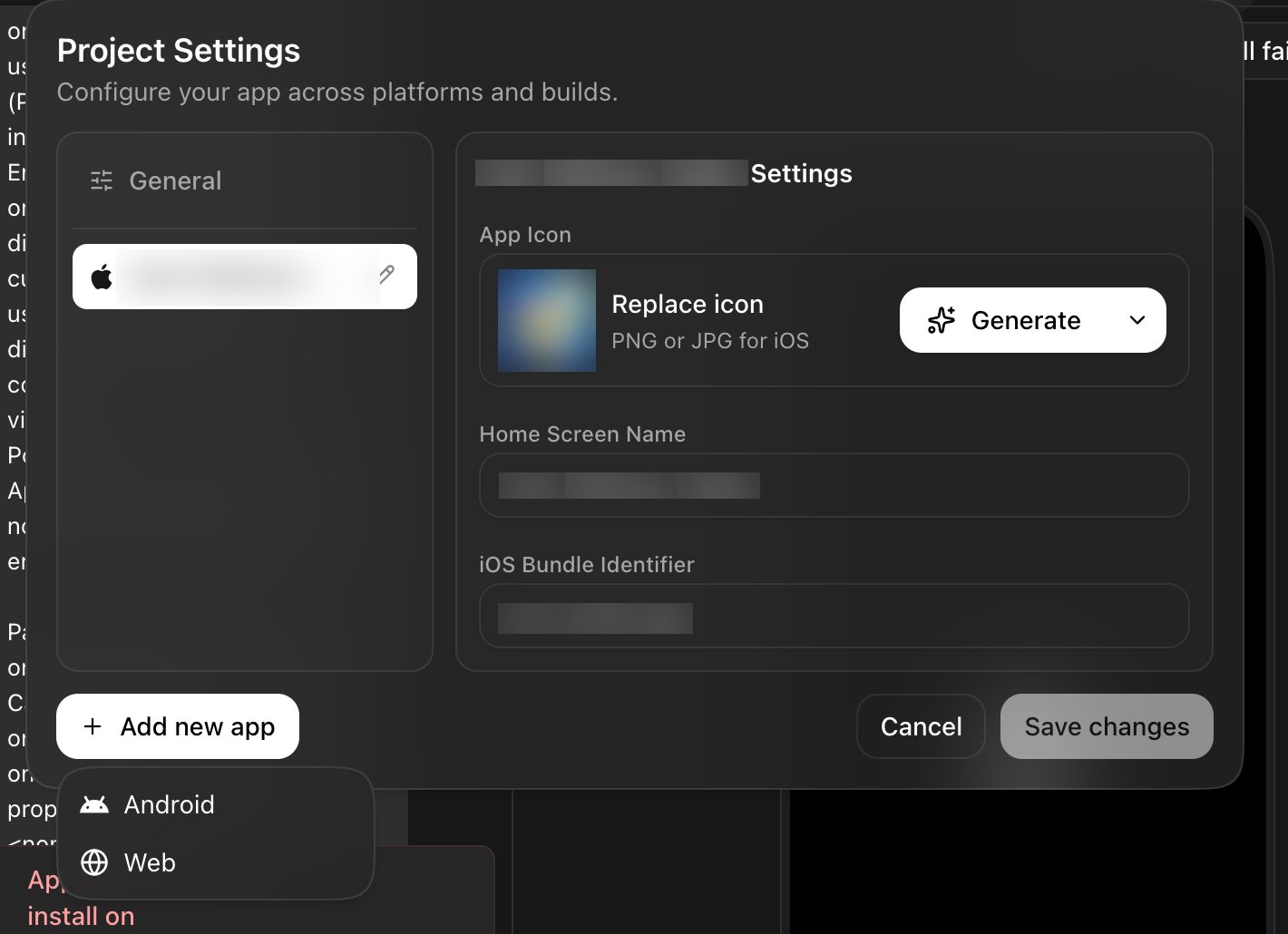
Option 3. Just ask in chat
Why native instead of a webview wrapper?
Website-to-app converter services wrap your URL in a webview. That’s fast, but:- App Store risk: Apple’s Guideline 4.2 (Minimum Functionality) regularly rejects apps that are “just a website”.
- No real native features: camera metadata, offline mode, background tasks, widgets, and push notifications that reach every user need native code. On the web, iOS delivers push only after the user adds the site to the Home Screen on iOS 16.4 or later and grants permission.
- It never feels right: browser scrolling, no native gestures, no home-screen-quality polish.
FAQ
Does this work with WordPress, Shopify, Wix, or Squarespace sites?
Yes, use Path B. These platforms don’t expose app-ready source code, so give the agent your URL and screenshots. For stores, tell the agent which checkout to keep (many businesses link out to the existing web checkout in v1).Can I convert my website to an app for free?
You can start for free: the Free plan runs Design mode, so you can import the site and explore how the app would look. To build the working app, preview it in the simulator, and run it on your phone, you need a paid plan. Publishing to the App Store / Google Play also needs the stores’ own developer accounts (Apple 25 one-time).Website-to-app converters give me an APK in minutes. Why is this different?
Those converters wrap your URL in a webview, so the “app” is your website in a browser shell. Rork builds real native screens. It takes longer than 60 seconds, and the result feels like an actual app. Native screens also help you meet Apple’s Guideline 4.2 (Minimum Functionality), which is where webview wrappers usually fail. App Review still judges each submission on its own, so native UI alone does not guarantee approval.Ship it
- Publish to the App Store from inside Rork, no Xcode.
- Create the Android AAB for Google Play.
- Keep the web version alive at your own domain: see the web publish flow in your project’s Publish menu.