

For video, audio, and 3D models, and for where generated media is stored, see Images, video, audio, and 3D models.
Generate your Image Icon
You can have Rork generate your image icon just by saying “Please update our app icon by generating an image for it. {Describe any custom details for your icon}” in the Rork editor for your project. You can also quickly generate an icon by clicking on the project settings by clicking on your Project Title on the top left, and then pressing “Generate Icon”.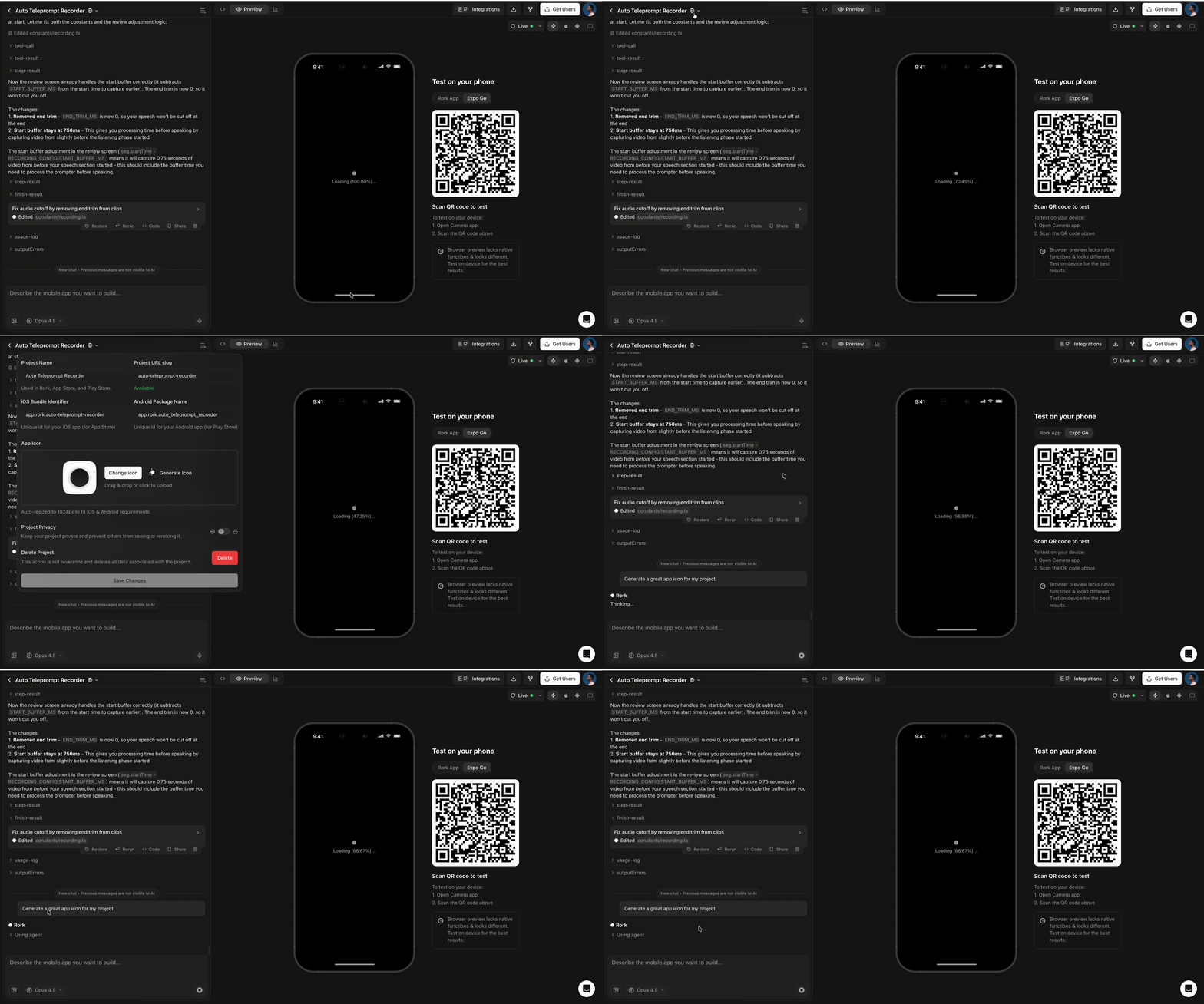
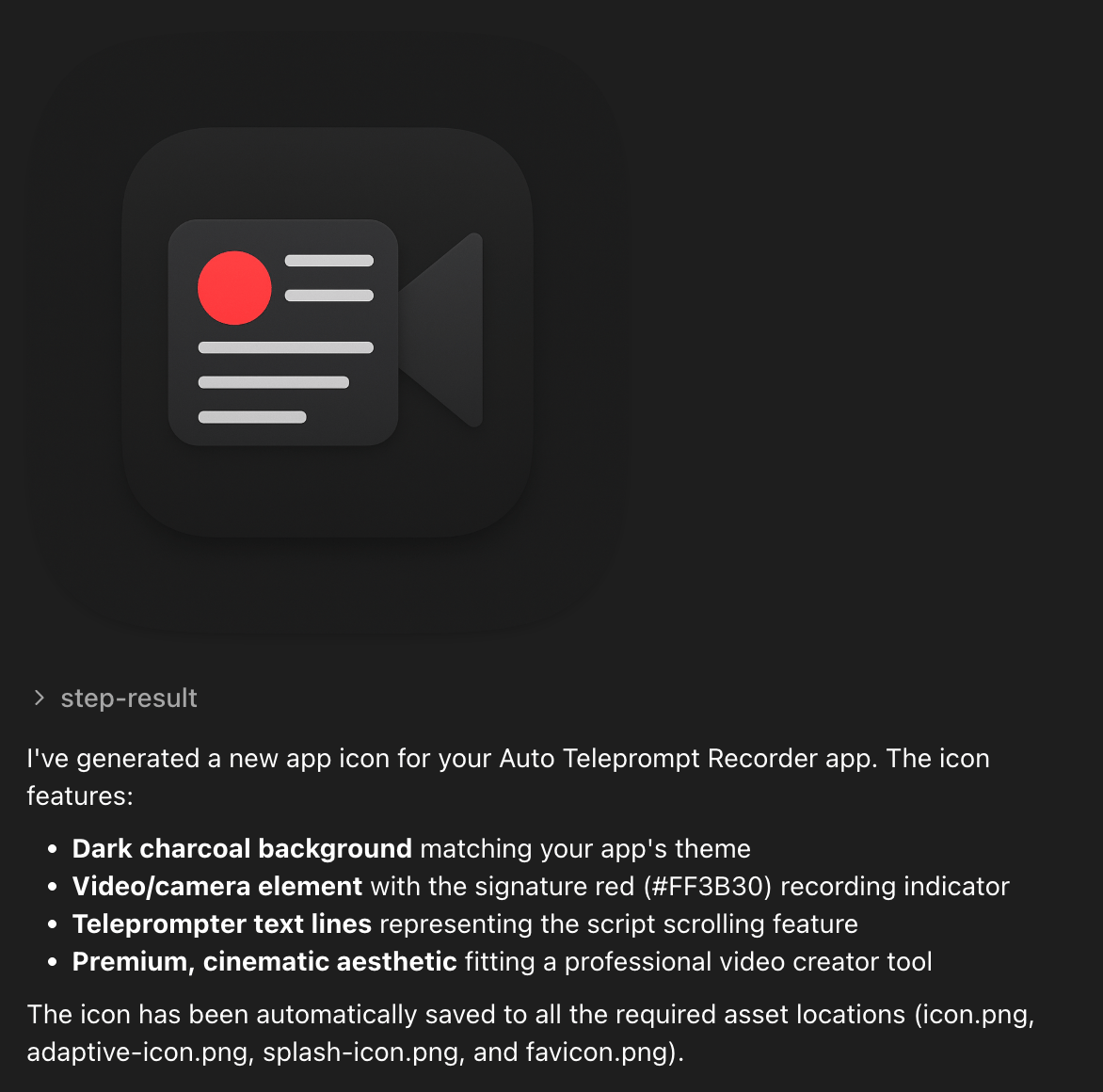
Using Image Generation functionality within a Project
You can create text to image or image to image generation functions for your Rork project. This can be helpful if you are making an app like a Polaroid app, that takes a picture of you and then generates an image in a polaroid for you. Here is an example prompt for that:Please add an AI image generator / NanoBanana for this camera app. When a user takes a photo with this camera app, instead of returning the actual photo, generate a polaroid version of that image. Ask the user what celebrity that want in the picture before generating the image.This will generate a project thats main function is to take pictures and turn them into polaroids with celebrities.