 > Join the Apple Developer Program to reach customers around the world on the App Store for all Apple platforms. Membership provides the tools, resources, and support you need to develop and distribute apps and games, including access to app services, testing tools, app analytics, and more. - Apple Developer Program
### 1. Start Your Enrollment
[Click this link and press start your enrollment to begin enrolling into the Apple Developer membership program.](https://developer.apple.com/programs/enroll/)
> Join the Apple Developer Program to reach customers around the world on the App Store for all Apple platforms. Membership provides the tools, resources, and support you need to develop and distribute apps and games, including access to app services, testing tools, app analytics, and more. - Apple Developer Program
### 1. Start Your Enrollment
[Click this link and press start your enrollment to begin enrolling into the Apple Developer membership program.](https://developer.apple.com/programs/enroll/)
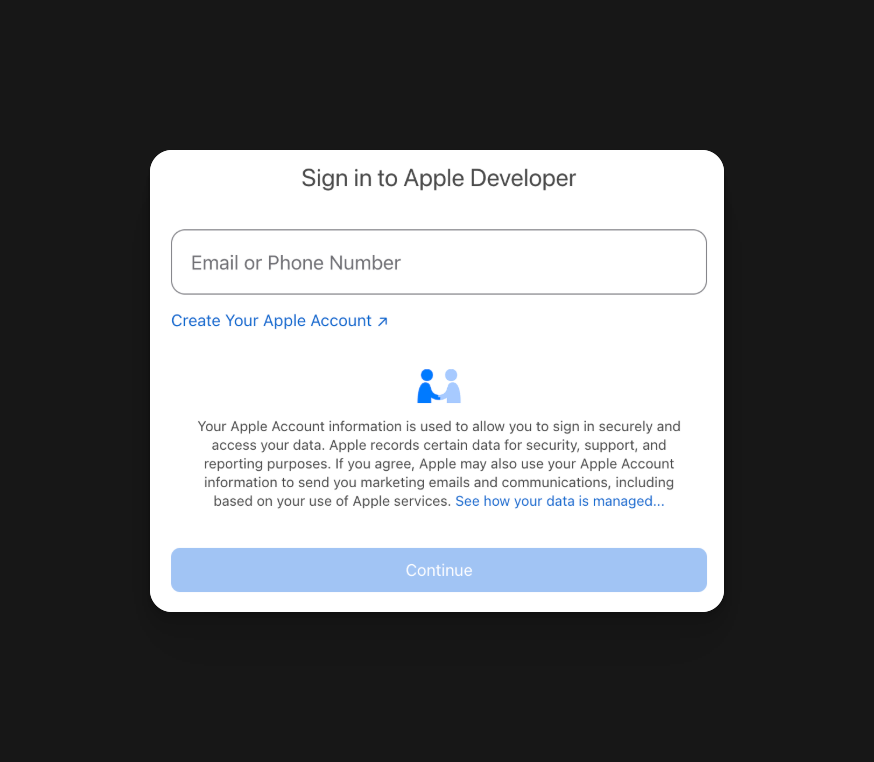 ### 2. Sign in with Your Apple Account (or Create One)
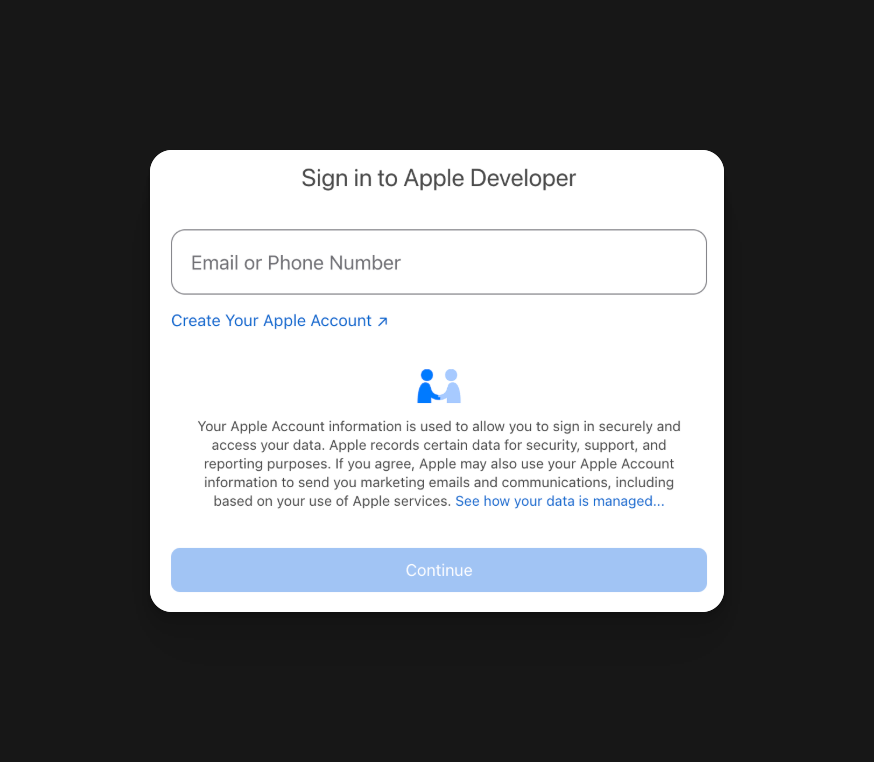
You will be asked to sign in with your Apple account. You can use the same one you use if you have an iPhone, or you can create a new account.
### 2. Sign in with Your Apple Account (or Create One)
You will be asked to sign in with your Apple account. You can use the same one you use if you have an iPhone, or you can create a new account.
 ### 3. Skip the customization of the profile
Once you've signed in, agree to the terms. You will then be asked to customize your developer profile. Please press **Remind me Later** or **Not Interested**. It is not needed for most use cases.
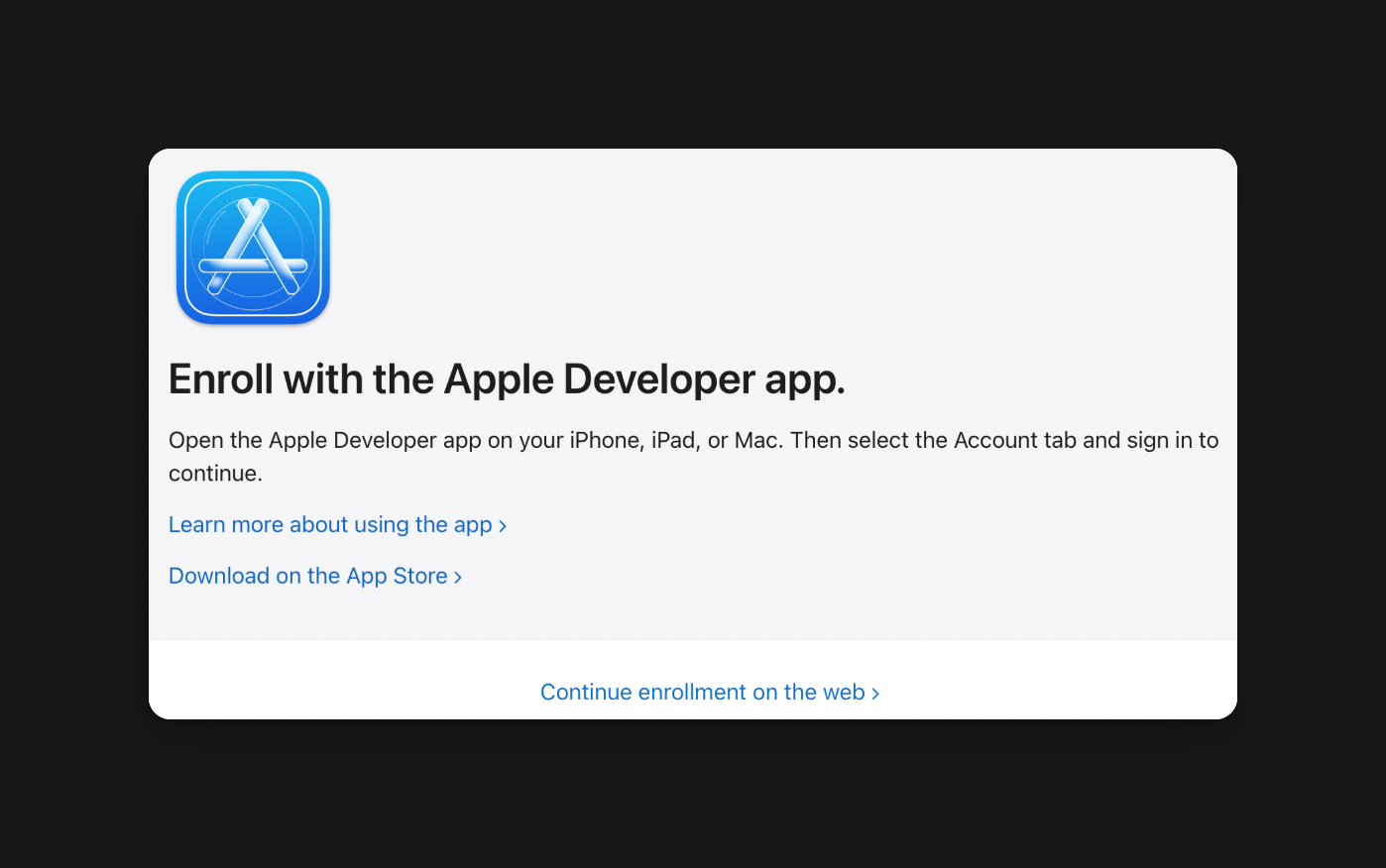
### 4. Press continue enrollment on the Web
It will ask you to enroll using the Apple Developer app, but right below that, you will see ***Continue enrollment on the web***. Press that so you can continue with ease.
### 3. Skip the customization of the profile
Once you've signed in, agree to the terms. You will then be asked to customize your developer profile. Please press **Remind me Later** or **Not Interested**. It is not needed for most use cases.
### 4. Press continue enrollment on the Web
It will ask you to enroll using the Apple Developer app, but right below that, you will see ***Continue enrollment on the web***. Press that so you can continue with ease.
 ### 5. Enter your Personal Information As Asked
Please enter your actual information here. This is important to get accurate, because Apple will use your account information when setting up payouts later.
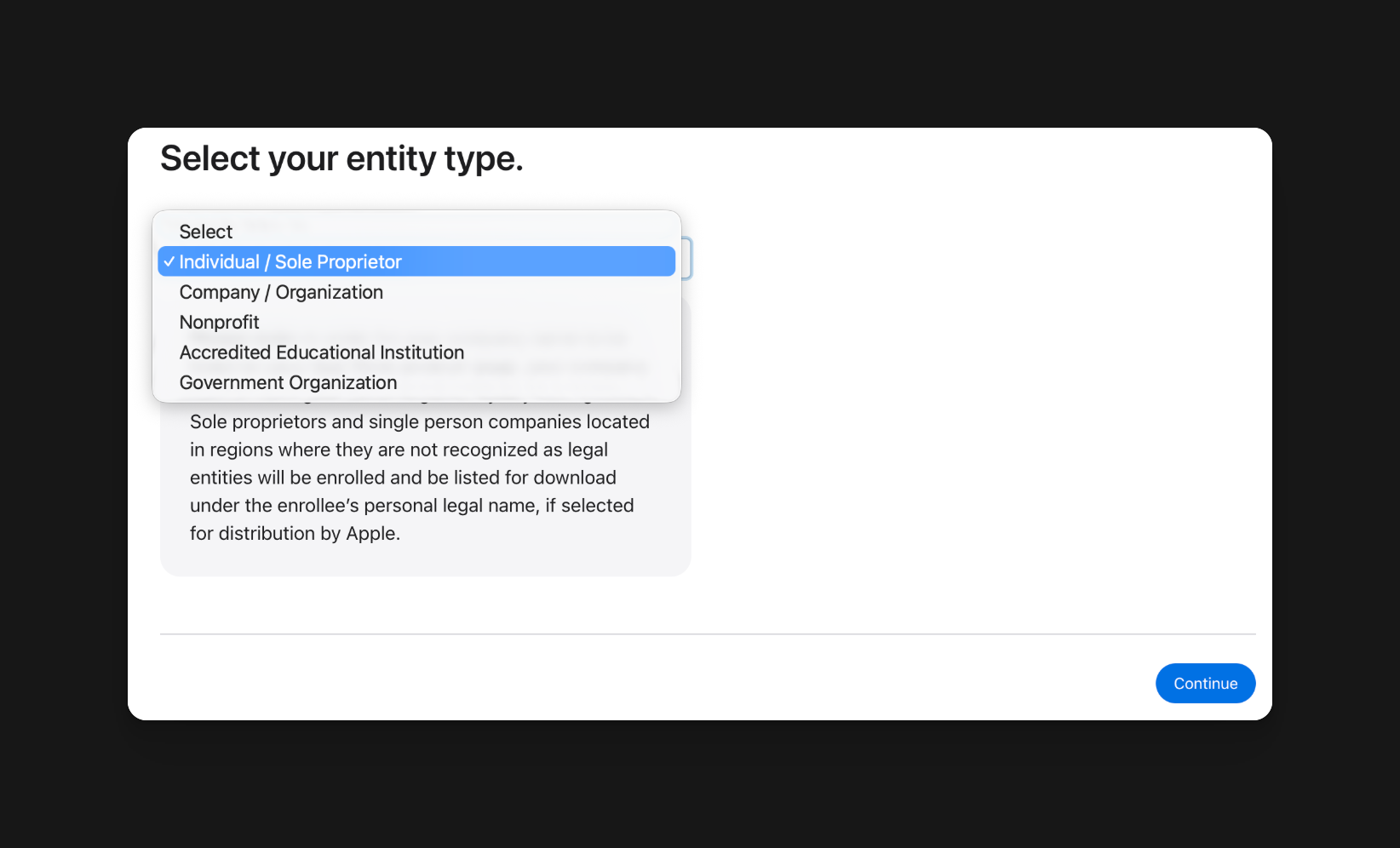
### 6. Select your entity type
For most use cases, an **Individual/Sole Proprietor** is sufficient. Please select it and continue.
### 5. Enter your Personal Information As Asked
Please enter your actual information here. This is important to get accurate, because Apple will use your account information when setting up payouts later.
### 6. Select your entity type
For most use cases, an **Individual/Sole Proprietor** is sufficient. Please select it and continue.
 ### 7. Review and Accept the Final Terms
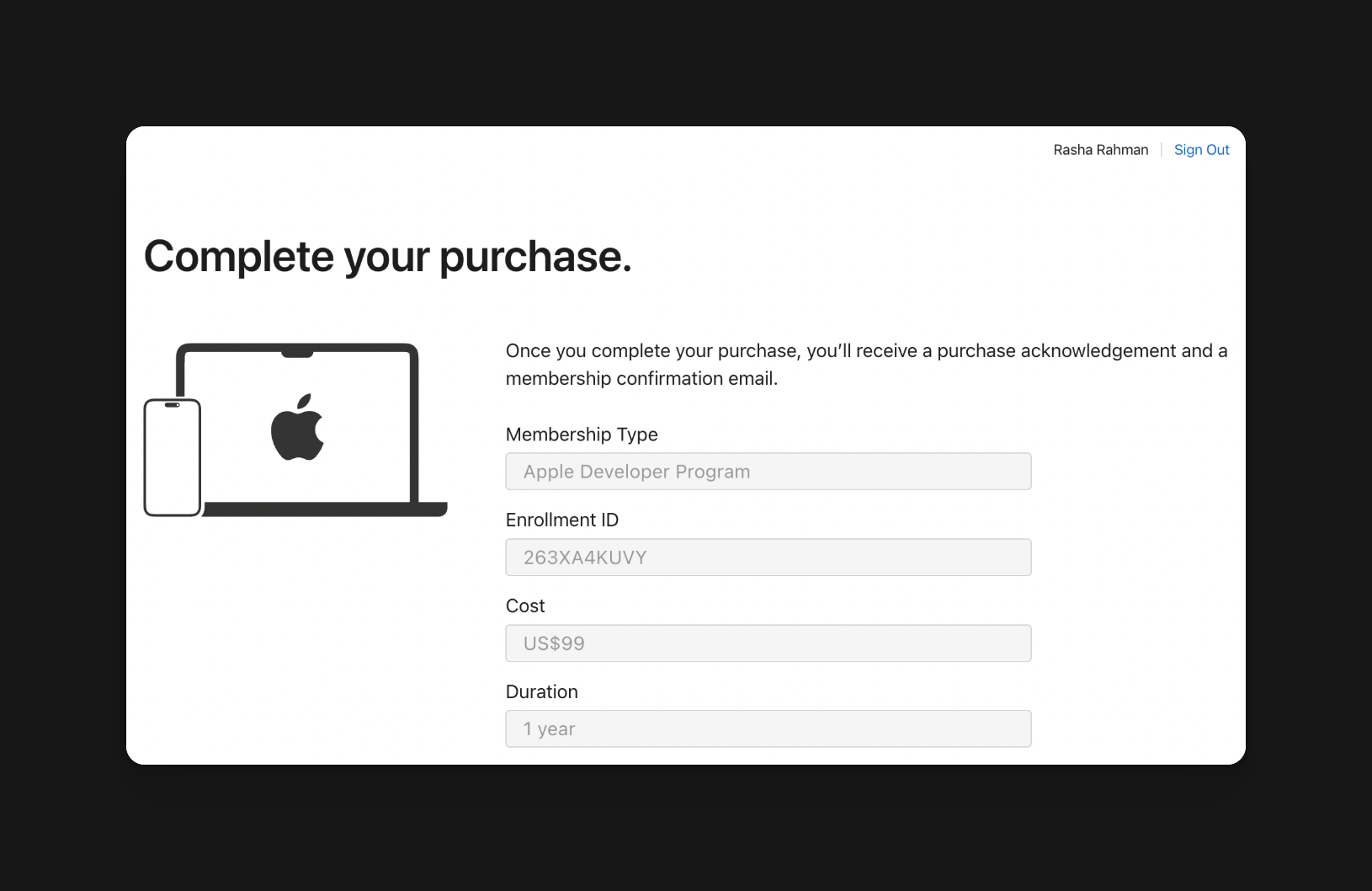
### 8. Finalize your year of Apple Developer membership by paying the yearly fee (\$99)
### 7. Review and Accept the Final Terms
### 8. Finalize your year of Apple Developer membership by paying the yearly fee (\$99)
 ## If all goes well, you will be able to log in to [App Store Connect](https://appstoreconnect.apple.com/) and see this page
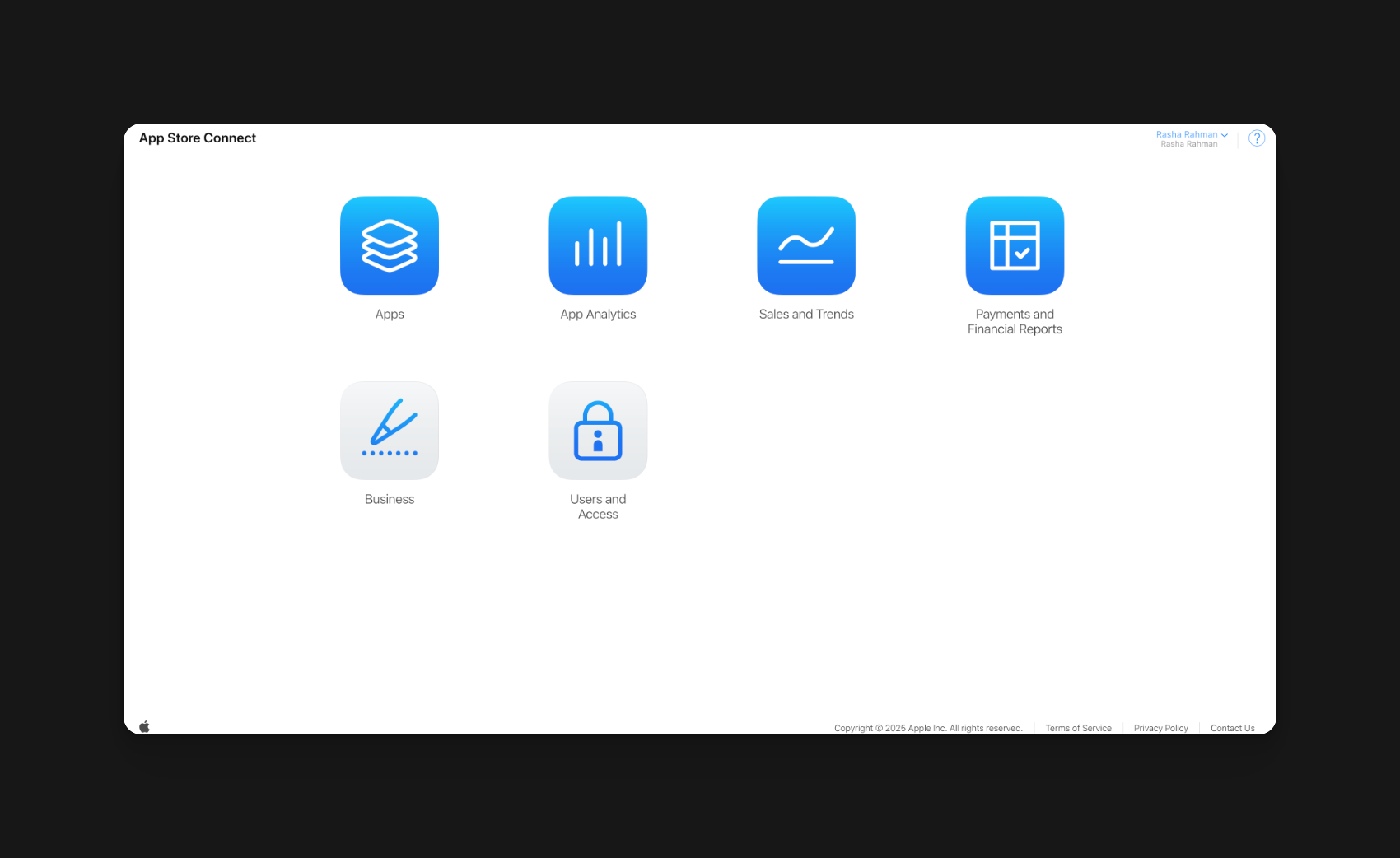 You are now one step closer to publishing your apps to the app store!