> ## Documentation Index
> Fetch the complete documentation index at: https://docs.rork.com/llms.txt
> Use this file to discover all available pages before exploring further.

# Rork (Expo)

export const CtaBanner = () => <div style={{
  display: "flex",
  alignItems: "center",
  justifyContent: "space-between",
  gap: "24px",
  flexWrap: "wrap",
  margin: "40px 0 8px",
  padding: "22px 28px",
  borderRadius: "16px",
  background: "linear-gradient(135deg,rgba(249,115,22,0.10),rgba(255,255,255,0.03),rgba(249,115,22,0.06))",
  border: "1px solid rgba(255,255,255,0.08)"
}}>
    <div>
      <div style={{
  fontSize: "19px",
  fontWeight: 700,
  color: "#fff",
  letterSpacing: "-0.3px",
  lineHeight: 1.3
}}>
        Build your app with Rork today.
      </div>
      <div style={{
  fontSize: "14px",
  color: "rgba(255,255,255,0.6)",
  marginTop: "4px",
  lineHeight: 1.5
}}>
        Ship iOS, Android, and web apps by chatting with AI.
      </div>
    </div>
    <a href="https://rork.com" style={{
  flexShrink: 0,
  display: "inline-block",
  padding: "10px 24px",
  background: "linear-gradient(135deg,#fff,#f0f0f0)",
  color: "#000",
  fontSize: "14px",
  fontWeight: 600,
  borderRadius: "100px",
  textDecoration: "none",
  whiteSpace: "nowrap"
}}>
      Try Rork for Free
    </a>
  </div>;

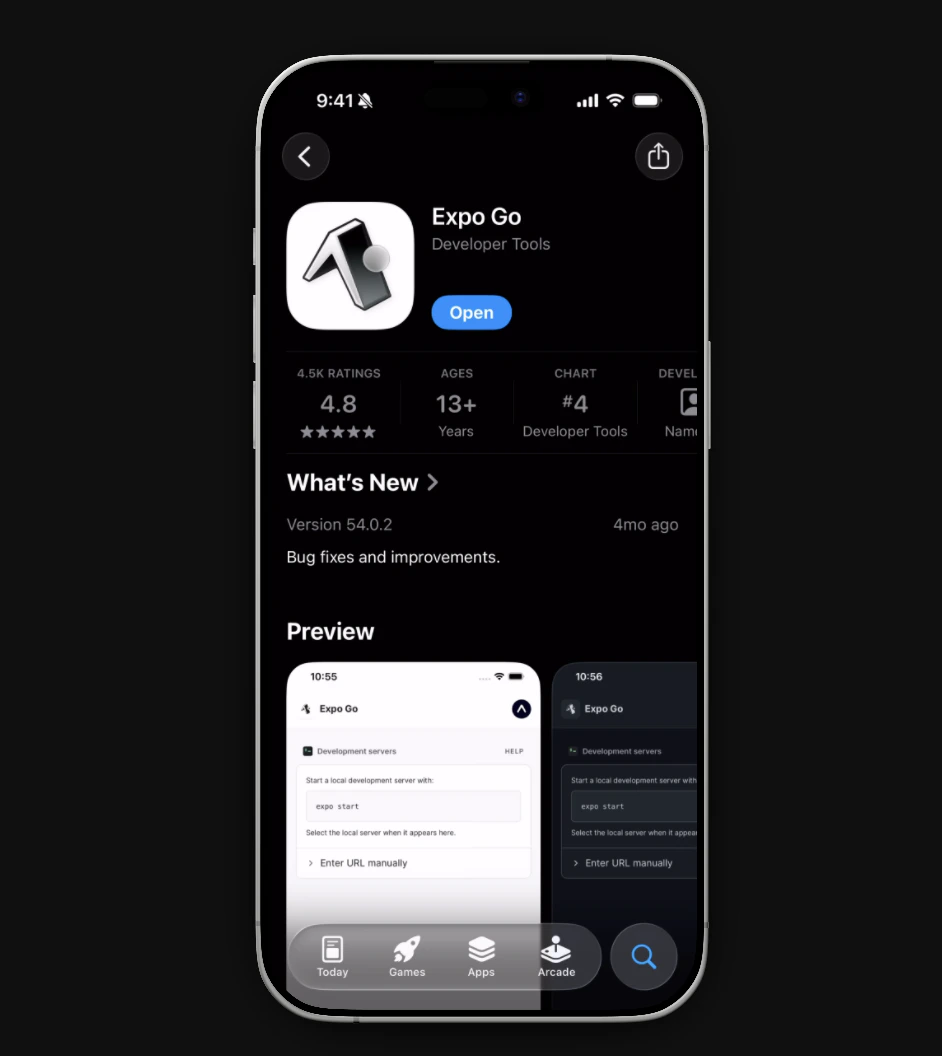
### Download Expo Go

<Frame>
  <img src="https://mintcdn.com/rork/lMPM6pZXfTxHg9-V/images/Screenshot2026-02-19at4.55.11PM.png?fit=max&auto=format&n=lMPM6pZXfTxHg9-V&q=85&s=554c20ab27c6d58733c0bb71290bf3ac" alt="Screenshot 2026 02 19 At 4 55 11 PM" width="942" height="1056" data-path="images/Screenshot2026-02-19at4.55.11PM.png" />
</Frame>

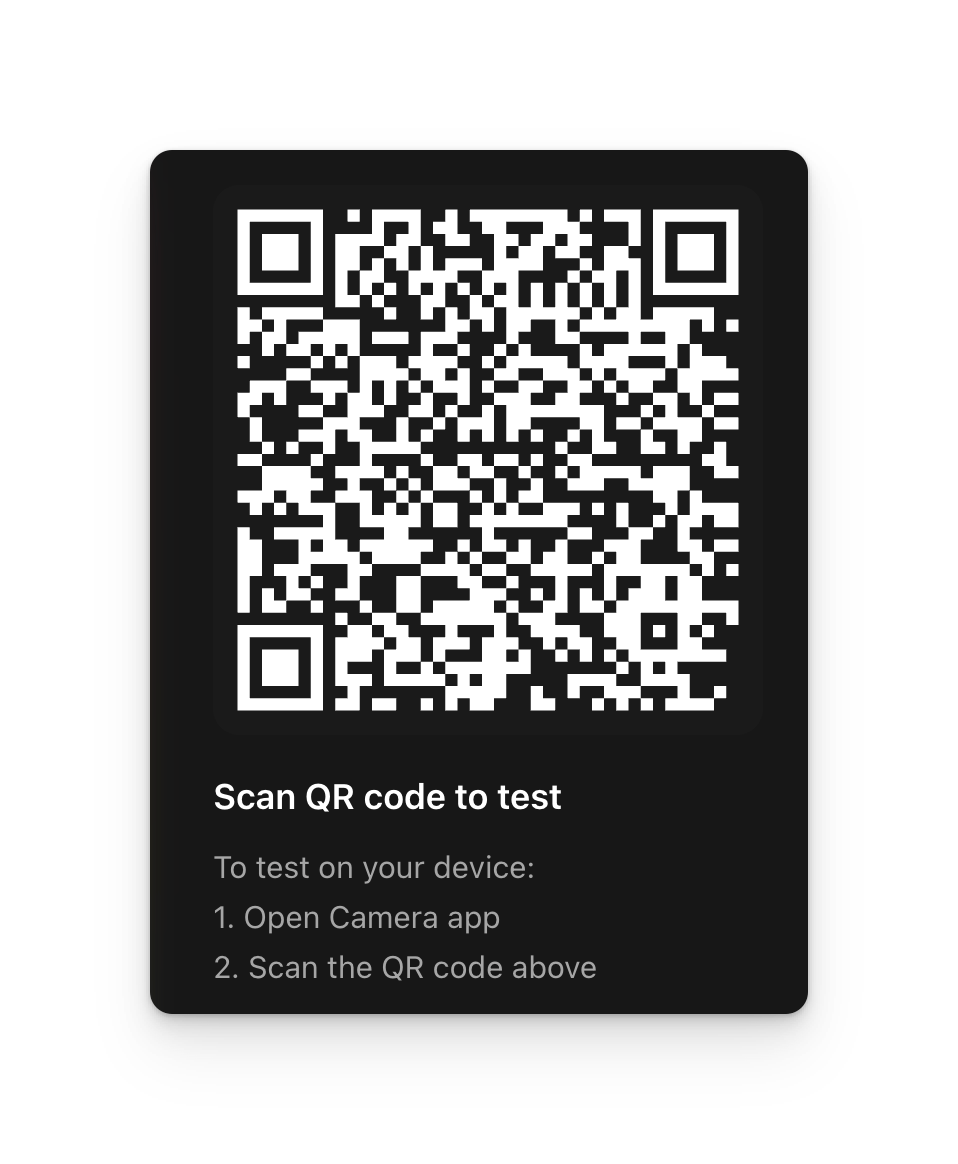
### Scan the QR code with your camera and open it in Expo Go
<Frame>
  <img src="https://mintcdn.com/rork/7RG_OXxkSIp400K7/images/image-113.png?fit=max&auto=format&n=7RG_OXxkSIp400K7&q=85&s=7f3759f1c80379ca76b5aa1939350a90" alt="Image" width="958" height="1164" data-path="images/image-113.png" />
</Frame>

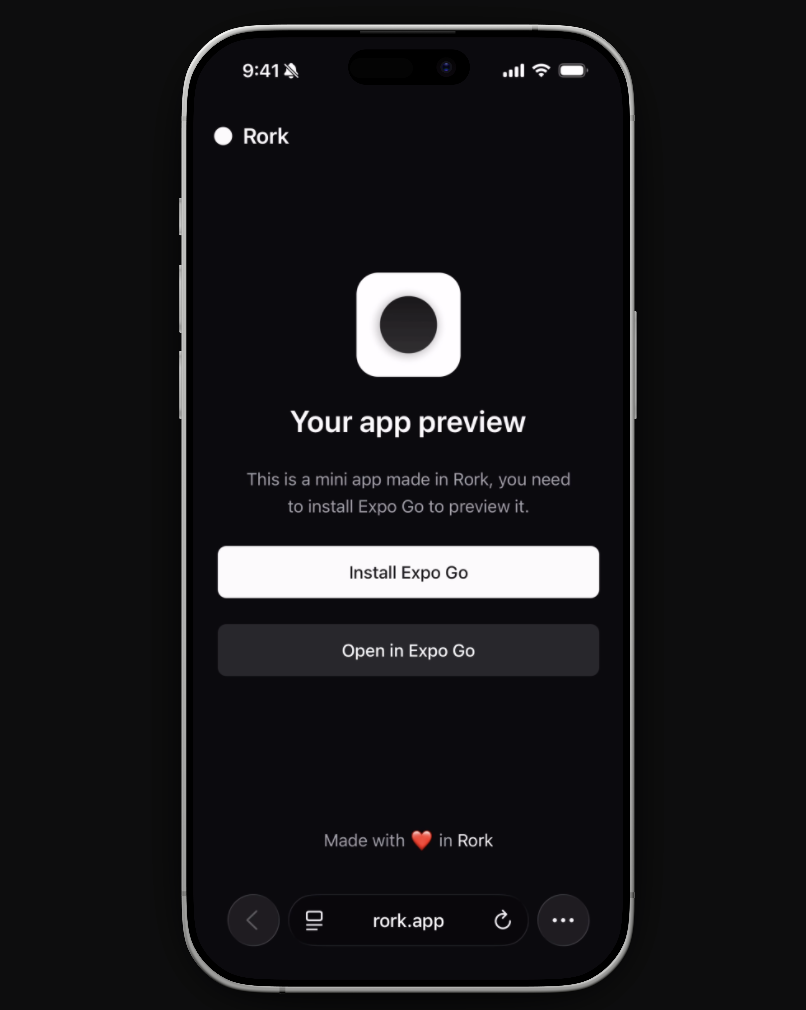
### Open in Expo Go

<Frame>
  <img src="https://mintcdn.com/rork/lMPM6pZXfTxHg9-V/images/Screenshot2026-02-19at7.24.50PM-1.png?fit=max&auto=format&n=lMPM6pZXfTxHg9-V&q=85&s=a95d28cd5e87cd25c873757bbb0e8be9" alt="Screenshot2026 02 19at7 24 50PM 1" width="806" height="1010" data-path="images/Screenshot2026-02-19at7.24.50PM-1.png" />
</Frame>

### Now begin testing your app!

<CtaBanner />