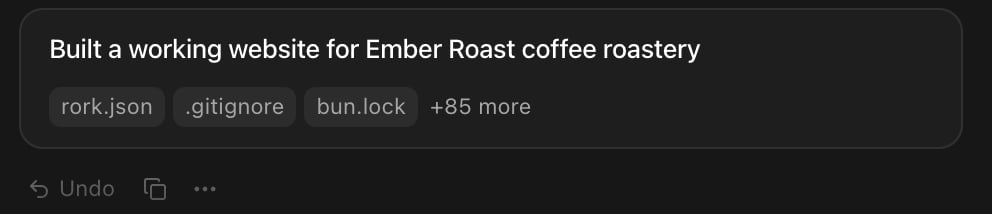
 Use **Undo** when the last change made things worse and you want the previous state back immediately.
## Go back several versions
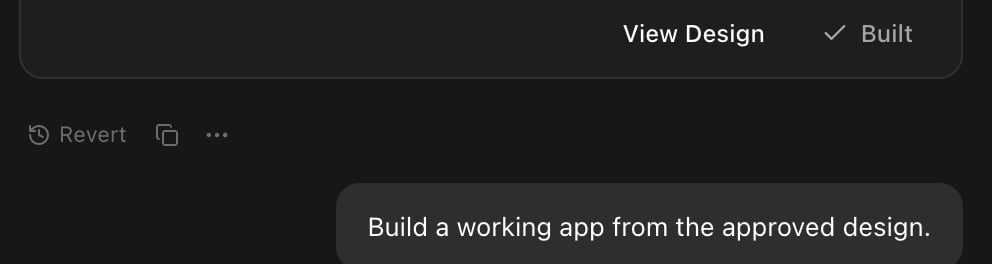
Earlier answers show **Revert** instead of **Undo**. It puts your project back to how it looked right after that answer.
Use **Undo** when the last change made things worse and you want the previous state back immediately.
## Go back several versions
Earlier answers show **Revert** instead of **Undo**. It puts your project back to how it looked right after that answer.
 Revert asks first, because you may lose work that came later:
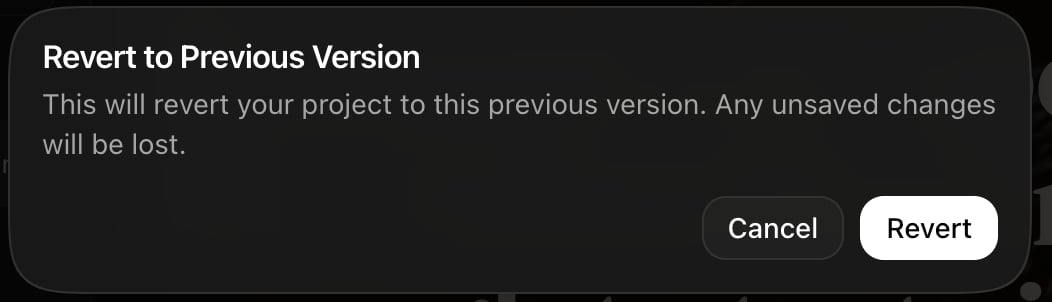 After you confirm, Rork restores the files and trims the chat: the messages up to that answer stay, and everything after it goes. A toast tracks the work, first **Restoring project...** and then **Version restored**.
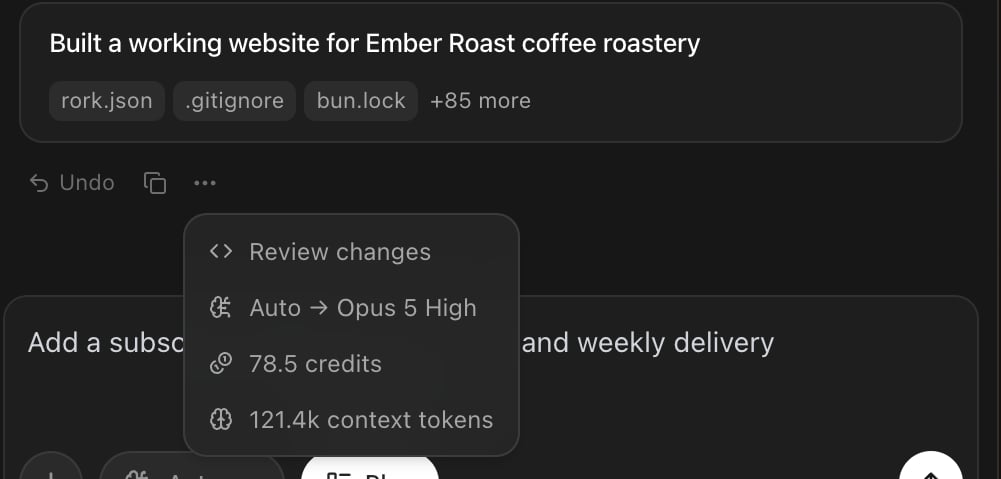 The same menu answers "what did that cost?". It names the model that actually ran, the credits the message used, and how much context the agent carried.
**Review changes** opens a full-screen diff of every file the answer touched, compared with the version before it. The header counts the files, and **ESC** closes it.
The same menu answers "what did that cost?". It names the model that actually ran, the credits the message used, and how much context the agent carried.
**Review changes** opens a full-screen diff of every file the answer touched, compared with the version before it. The header counts the files, and **ESC** closes it.
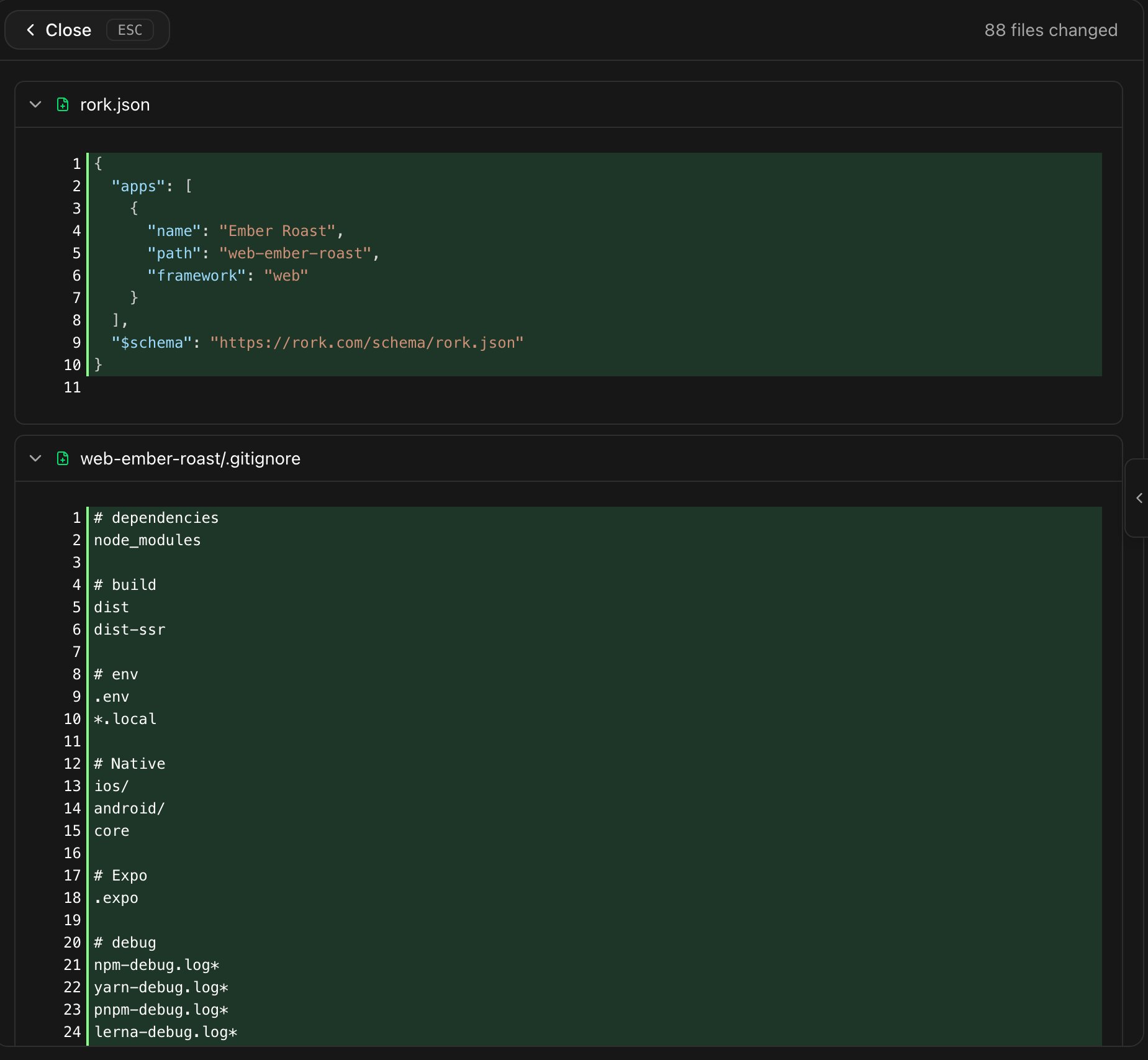 Read the diff before you publish, and after any change you did not fully understand.
## Stop a message that is going wrong
While the agent works, the send button becomes a stop button. Press it and Rork finishes the step it is on, saves what it already did, and stops.
Stopping is safe and cheap:
* The partial work stays in the chat, marked **Stopped**, with the progress saved.
* Your prompt comes back into the composer, so you can reword it and send it again.
* A build that never finished is not charged.
Stop early. A long turn heading in the wrong direction costs more than a stop and a better prompt.
## Fix an error instead of undoing
If the preview throws an error, Rork shows it and offers to fix it. The dialog is titled **Runtime error** and the button says **Fix with Rork**. With several errors you get **Fix all with Rork**, or a count, and **Dismiss**.
By default, pressing that button sends the fix request straight away. You can change that in **Account settings → Preferences**:
Read the diff before you publish, and after any change you did not fully understand.
## Stop a message that is going wrong
While the agent works, the send button becomes a stop button. Press it and Rork finishes the step it is on, saves what it already did, and stops.
Stopping is safe and cheap:
* The partial work stays in the chat, marked **Stopped**, with the progress saved.
* Your prompt comes back into the composer, so you can reword it and send it again.
* A build that never finished is not charged.
Stop early. A long turn heading in the wrong direction costs more than a stop and a better prompt.
## Fix an error instead of undoing
If the preview throws an error, Rork shows it and offers to fix it. The dialog is titled **Runtime error** and the button says **Fix with Rork**. With several errors you get **Fix all with Rork**, or a count, and **Dismiss**.
By default, pressing that button sends the fix request straight away. You can change that in **Account settings → Preferences**:
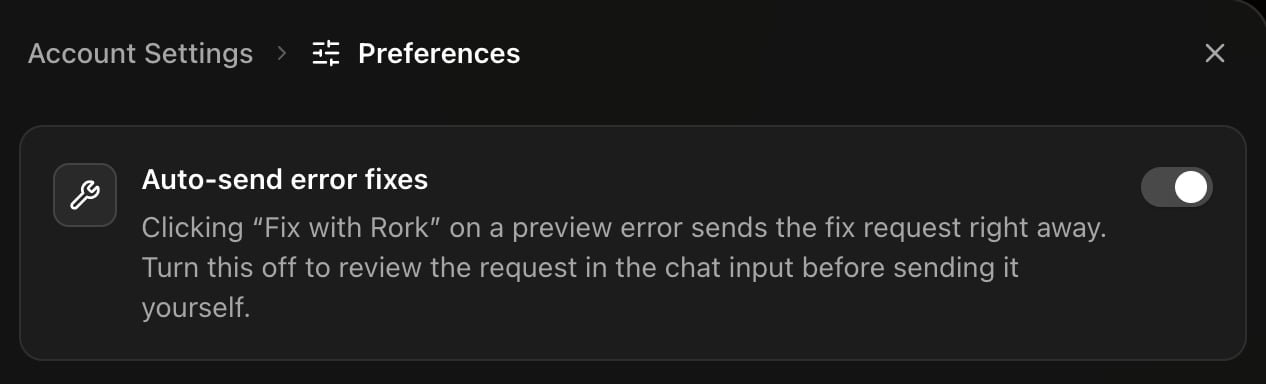 Two more places offer the same help. An answer with TypeScript problems gets a **Fix errors** button, and the **Logs** panel in **More → Code** shows what your app printed at runtime, which is what you paste into chat when an error is not obvious.
## What a version actually is
One answer from the agent equals one saved version of the project. Rork commits your files at the end of each turn, together with the chat history, so the chat and the code can never drift apart.
That has two useful consequences:
* The list of versions is the chat. There is no separate history panel to learn.
* Your project history travels with your code. Connect GitHub and you get the same commits in your own repository. See [How to sync your project with GitHub](/tutorials/how-to-connect-github).
## FAQ
Two more places offer the same help. An answer with TypeScript problems gets a **Fix errors** button, and the **Logs** panel in **More → Code** shows what your app printed at runtime, which is what you paste into chat when an error is not obvious.
## What a version actually is
One answer from the agent equals one saved version of the project. Rork commits your files at the end of each turn, together with the chat history, so the chat and the code can never drift apart.
That has two useful consequences:
* The list of versions is the chat. There is no separate history panel to learn.
* Your project history travels with your code. Connect GitHub and you get the same commits in your own repository. See [How to sync your project with GitHub](/tutorials/how-to-connect-github).
## FAQ