> ## Documentation Index
> Fetch the complete documentation index at: https://docs.rork.com/llms.txt
> Use this file to discover all available pages before exploring further.

# How to add a Supabase backend to Rork

> This guide will help you create a Supabase backend for your Rork project. This includes authentication for users and also custom database schemas for functionalities in your app.

export const CtaBanner = () => <div style={{
  display: "flex",
  alignItems: "center",
  justifyContent: "space-between",
  gap: "24px",
  flexWrap: "wrap",
  margin: "40px 0 8px",
  padding: "22px 28px",
  borderRadius: "16px",
  background: "linear-gradient(135deg,rgba(249,115,22,0.10),rgba(255,255,255,0.03),rgba(249,115,22,0.06))",
  border: "1px solid rgba(255,255,255,0.08)"
}}>
    <div>
      <div style={{
  fontSize: "19px",
  fontWeight: 700,
  color: "#fff",
  letterSpacing: "-0.3px",
  lineHeight: 1.3
}}>
        Build your app with Rork today.
      </div>
      <div style={{
  fontSize: "14px",
  color: "rgba(255,255,255,0.6)",
  marginTop: "4px",
  lineHeight: 1.5
}}>
        Ship iOS, Android, and web apps by chatting with AI.
      </div>
    </div>
    <a href="https://rork.com" style={{
  flexShrink: 0,
  display: "inline-block",
  padding: "10px 24px",
  background: "linear-gradient(135deg,#fff,#f0f0f0)",
  color: "#000",
  fontSize: "14px",
  fontWeight: 600,
  borderRadius: "100px",
  textDecoration: "none",
  whiteSpace: "nowrap"
}}>
      Try Rork for Free
    </a>
  </div>;

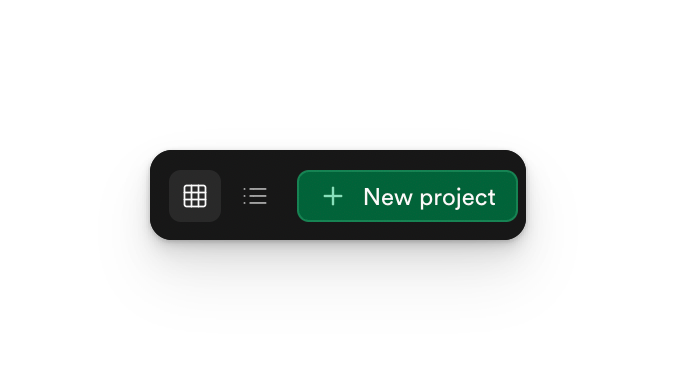
### First, go to Supabase and click new project

<Frame>
  <img src="https://mintcdn.com/rork/XAi-zQTq7jz52oWq/images/image-119.png?fit=max&auto=format&n=XAi-zQTq7jz52oWq&q=85&s=3d42bf5b50cd0c4ebc4495c5f97e6315" alt="Image" width="676" height="390" data-path="images/image-119.png" />
</Frame>

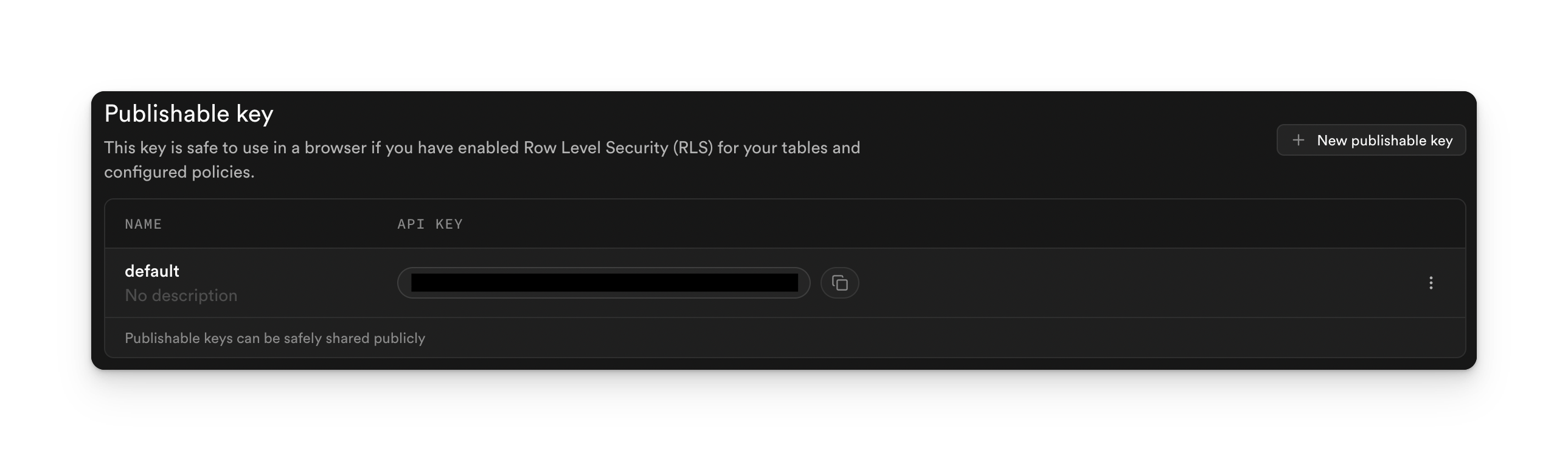
Second, copy the Publishable key and the Project link
<Frame>
  <img src="https://mintcdn.com/rork/XAi-zQTq7jz52oWq/images/image-120.png?fit=max&auto=format&n=XAi-zQTq7jz52oWq&q=85&s=b42a78e20507b2dd1e6b4e3af859ea94" alt="Image" width="2578" height="758" data-path="images/image-120.png" />
</Frame>

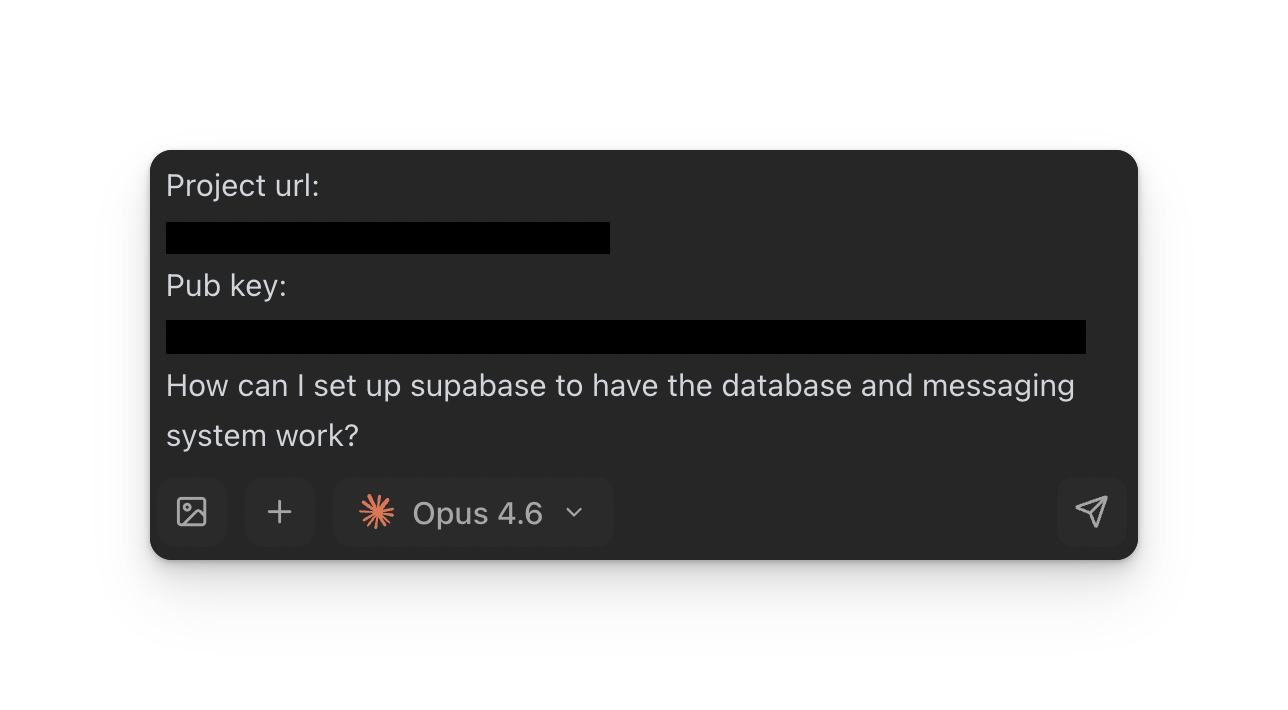
Then, paste them into Rork with the prompt "Connect Supabase."
<Frame>
  <img src="https://mintcdn.com/rork/XAi-zQTq7jz52oWq/images/image-121.png?fit=max&auto=format&n=XAi-zQTq7jz52oWq&q=85&s=bc11dee5eedc289ee5baa4a1c226c9b9" alt="Image" width="1288" height="710" data-path="images/image-121.png" />
</Frame>

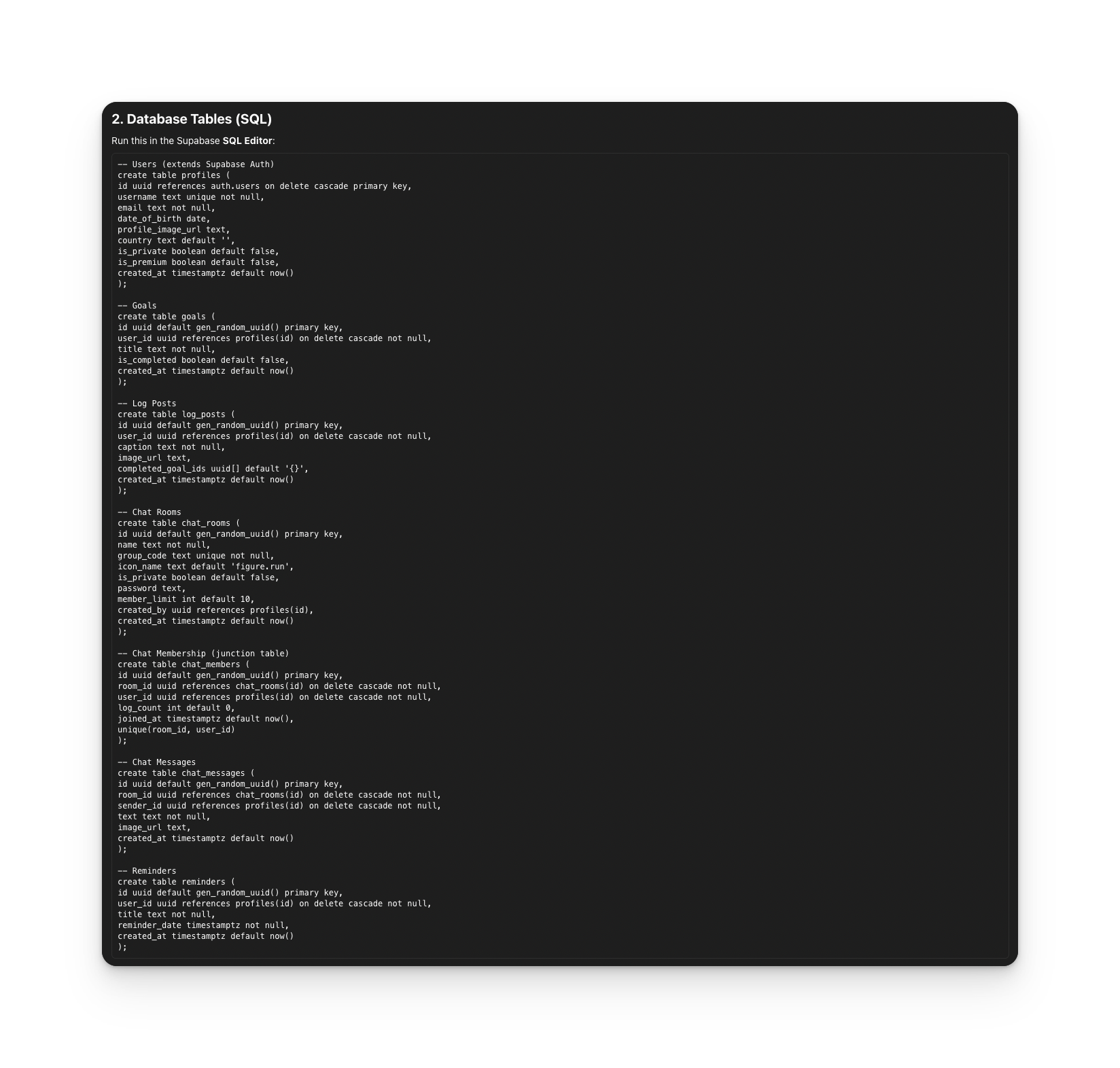
Rork will then instruct you on how to set it up
<Frame>
  <img src="https://mintcdn.com/rork/XAi-zQTq7jz52oWq/images/image-122.png?fit=max&auto=format&n=XAi-zQTq7jz52oWq&q=85&s=d701bdce851f9f62e31d952e23d4176f" alt="Image" width="1648" height="1572" data-path="images/image-122.png" />
</Frame>

If you want to implement Auth, check out our YouTube tutorial:

<iframe src="https://www.youtube.com/embed/GP9IN0CKdTk" title="YouTube video player" frameborder="0" className="w-full aspect-video rounded-xl" allow="accelerometer; autoplay; clipboard-write; encrypted-media; gyroscope; picture-in-picture; web-share" allowfullscreen />

Or if you want to implement an api via edge function, read our guide:

[How to add an api to your app?](features-apis/apis/how-to-connect-an-api-to-your-project)

<CtaBanner />
